Video or audio
Choose formats from sites supported by yt-dlp. Site support can change.
ANDROID · OPEN SOURCE · ALPHA PREVIEW
Seali is a video and audio downloader for Android, powered by yt-dlp. An independently maintained continuation of Seal, with clear credit to the original project.
Public release: 2.0.0-alpha.5. Experimental software, not a stable release.
Android 7.0+. Download compatibility is still being revalidated.
WHAT IT DOES
Choose formats from sites supported by yt-dlp. Site support can change.
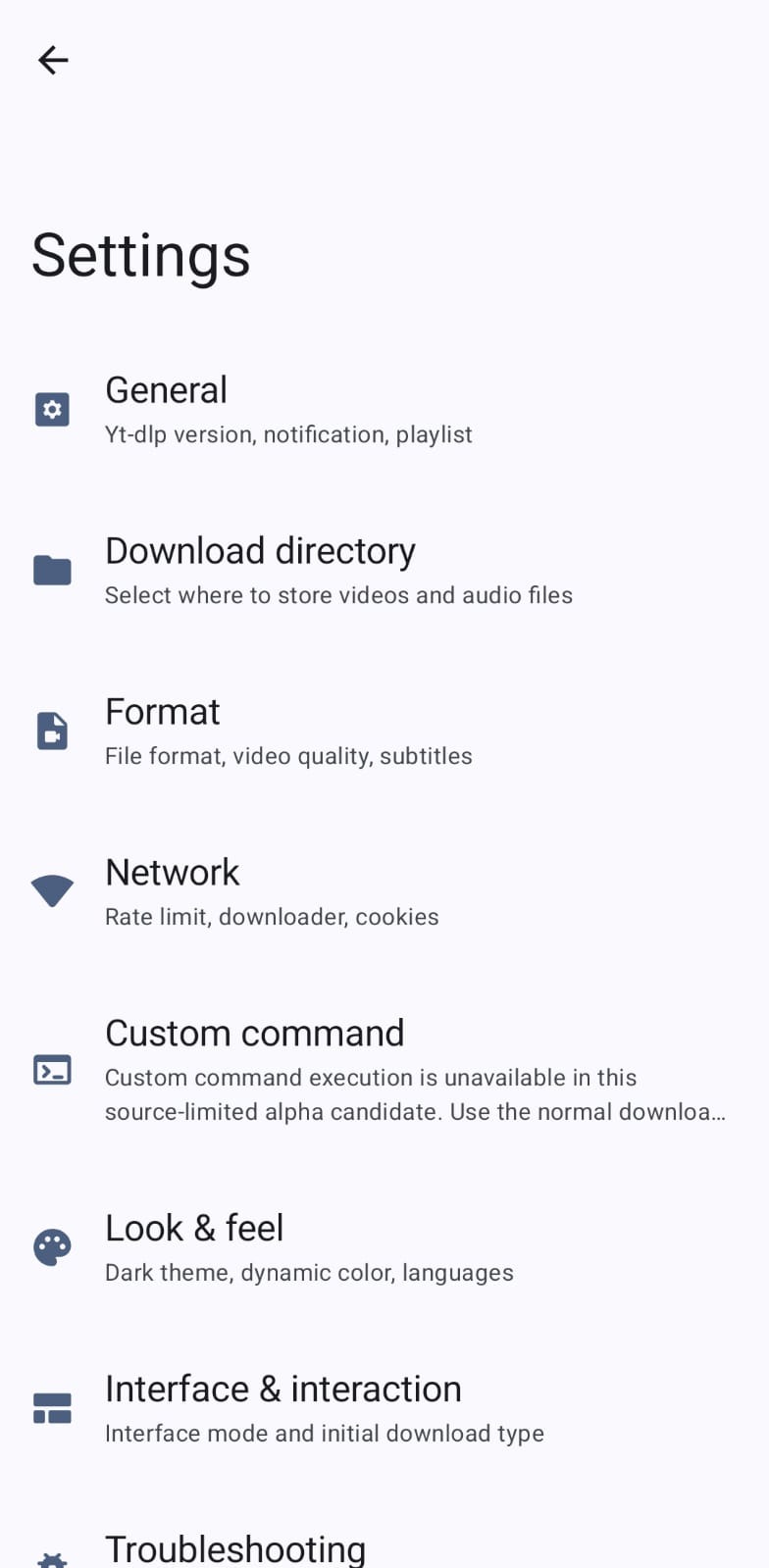
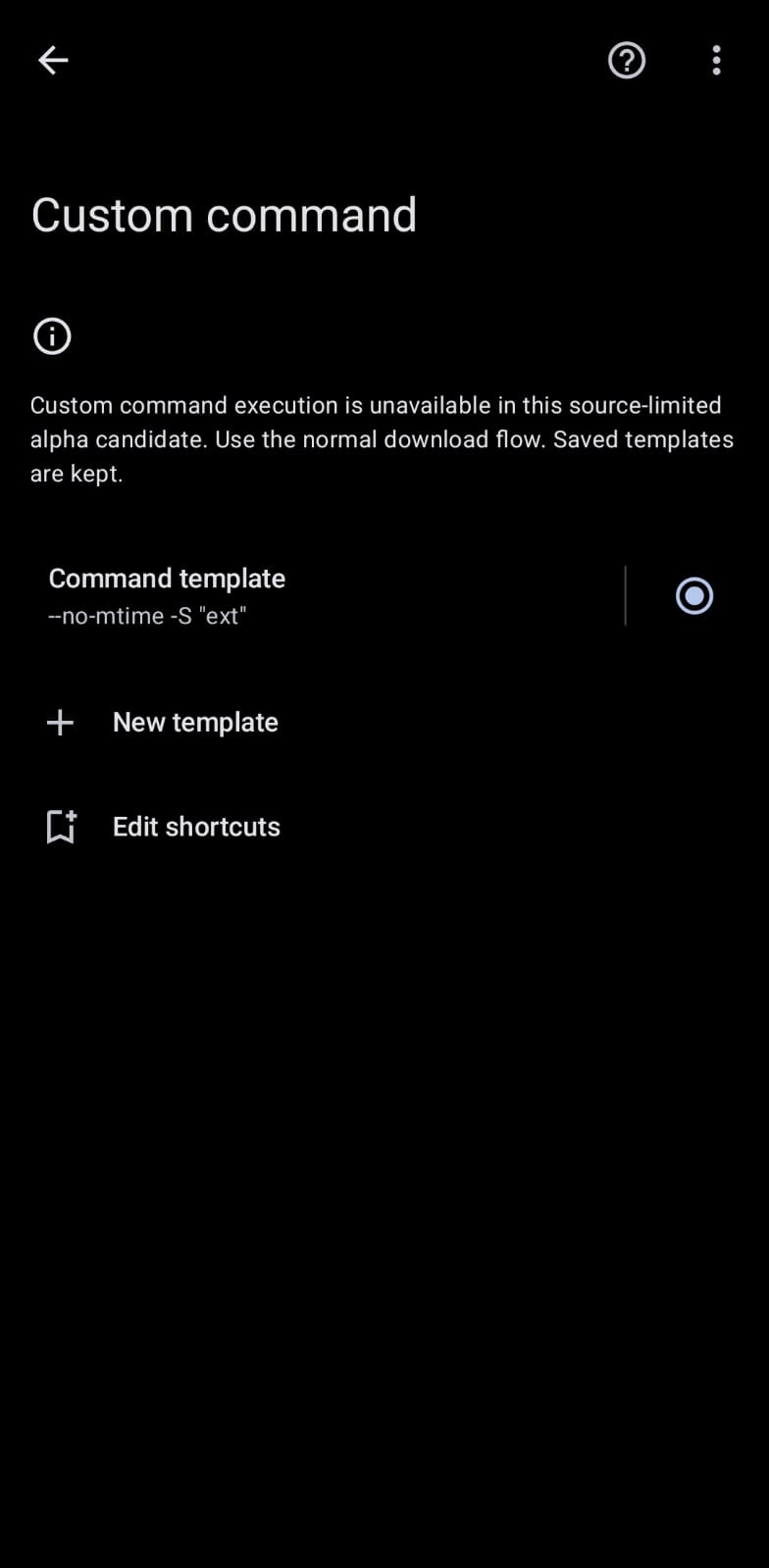
Inherited playlist, subtitle and metadata options, subject to current compatibility checks. Custom command execution is unavailable in the alpha builds shown.
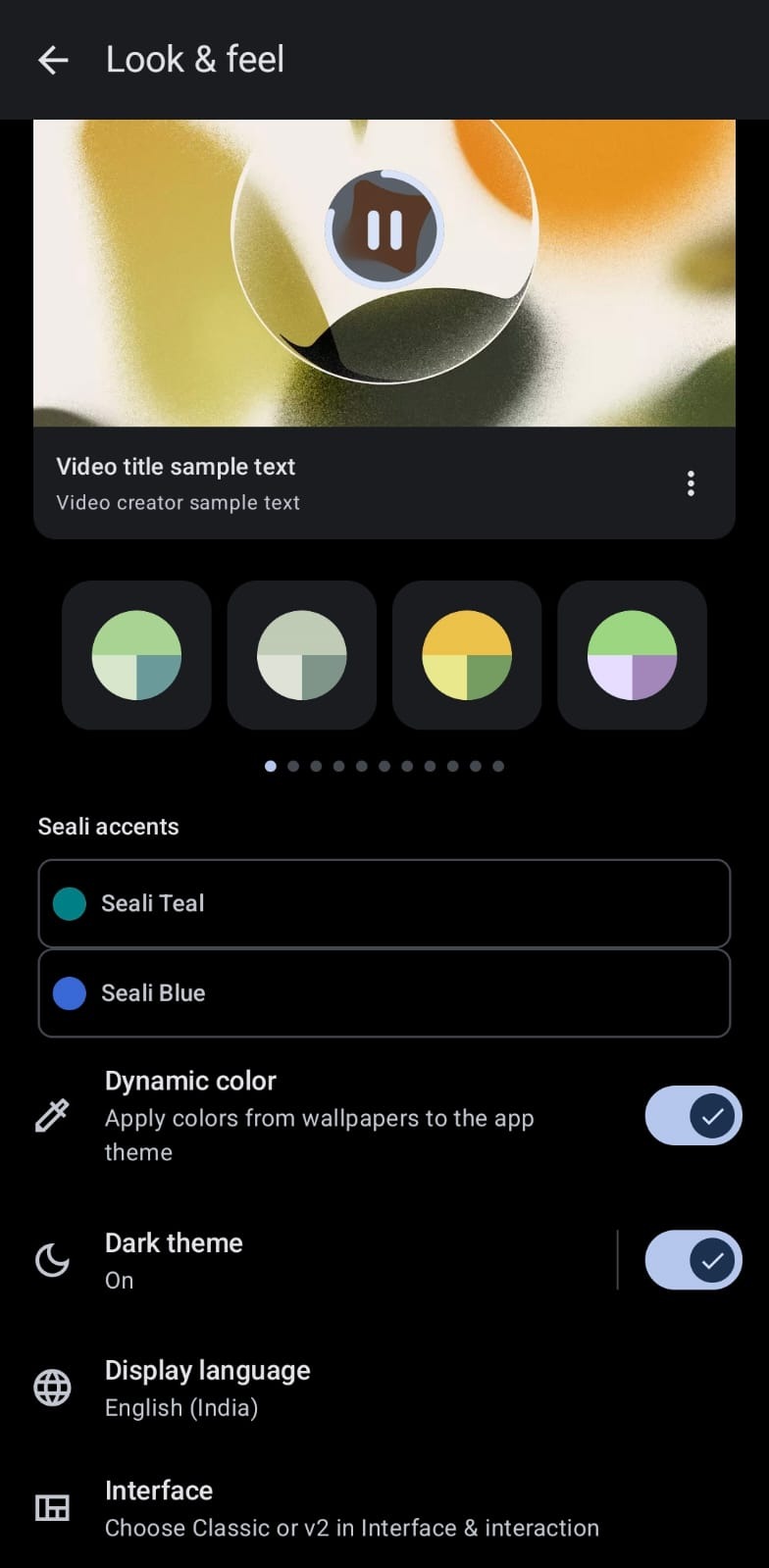
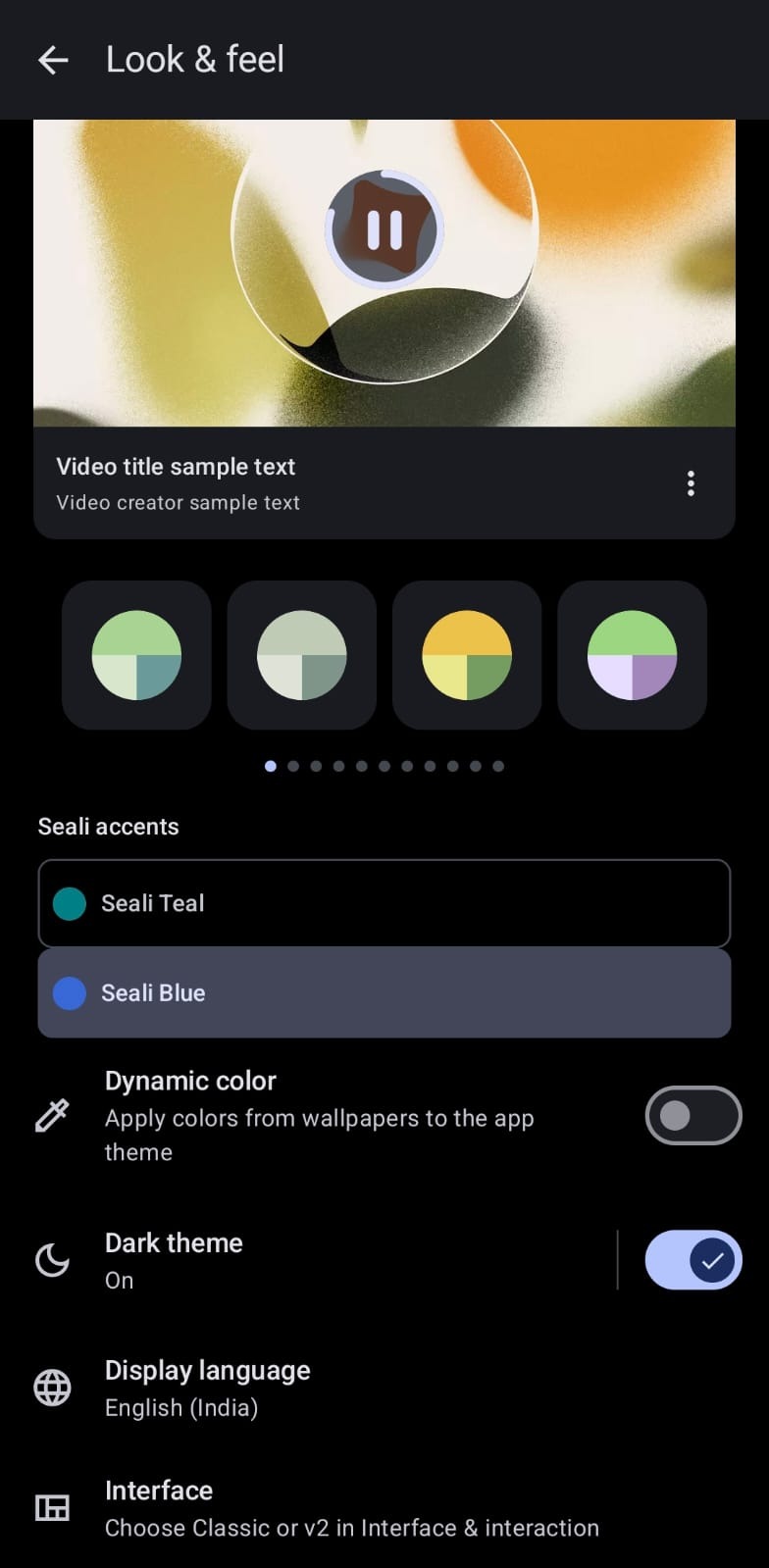
Classic and v2 interface options, built with Material Design 3.
THE DETAILS
Three collapsed lists: everything Seali can do, how a download works, and which devices and sites it runs on. This describes the public alpha.5 build; where newer unreleased source behaves differently, that is called out.
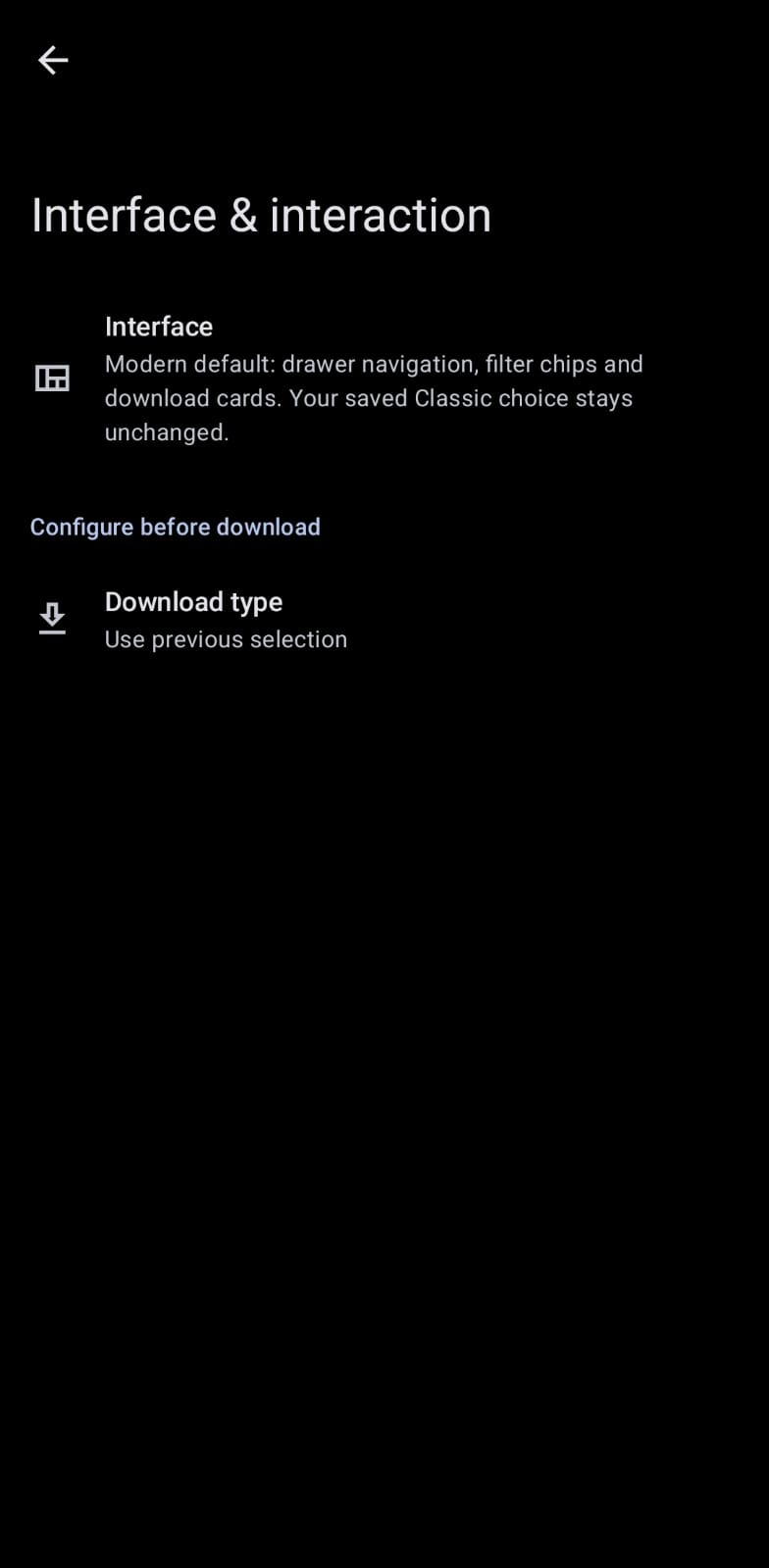
You can switch between the Classic and v2 interfaces in Settings > Appearance > Interface. Finish or cancel active downloads before switching.
INSIDE THE APP
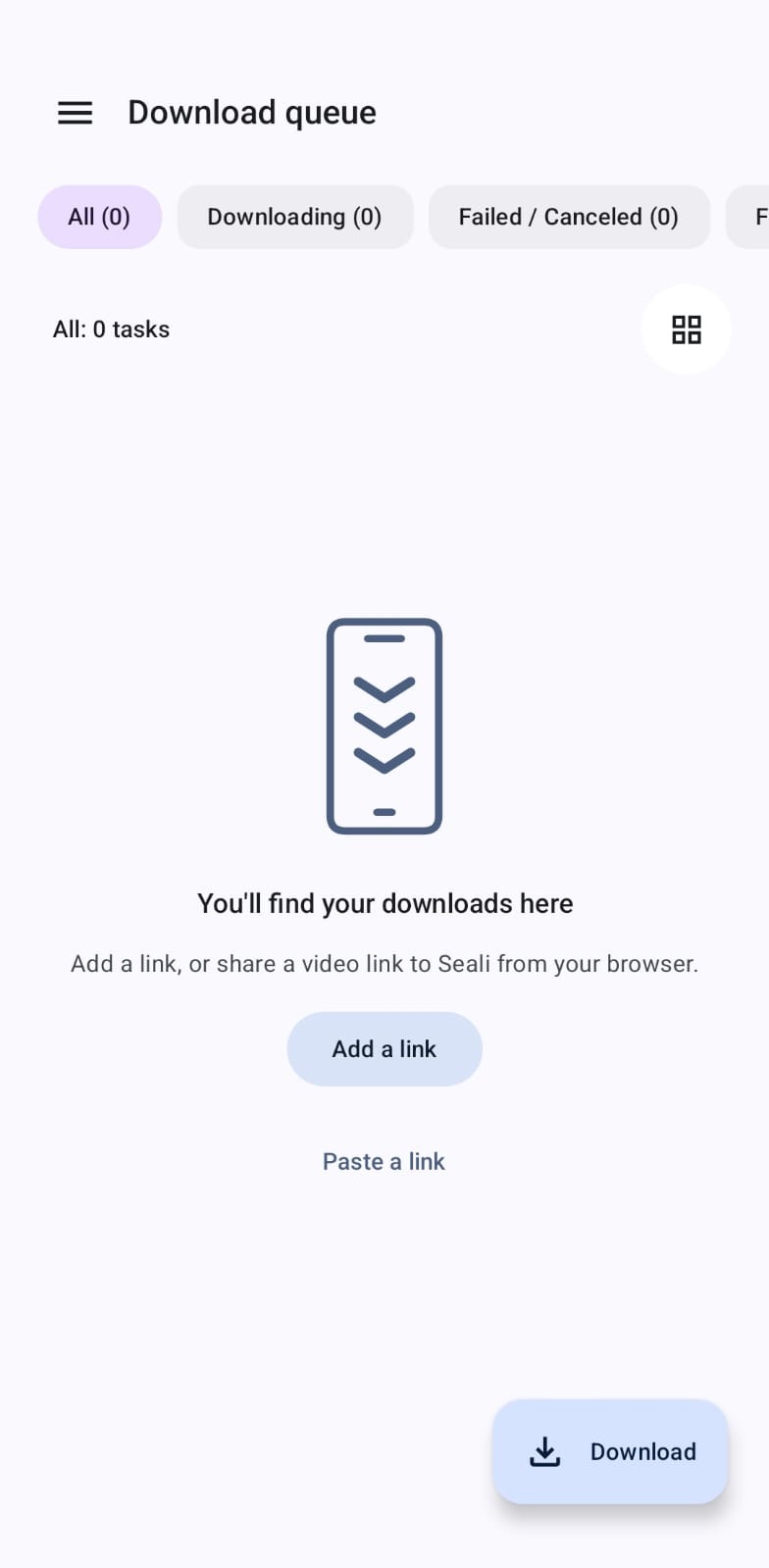
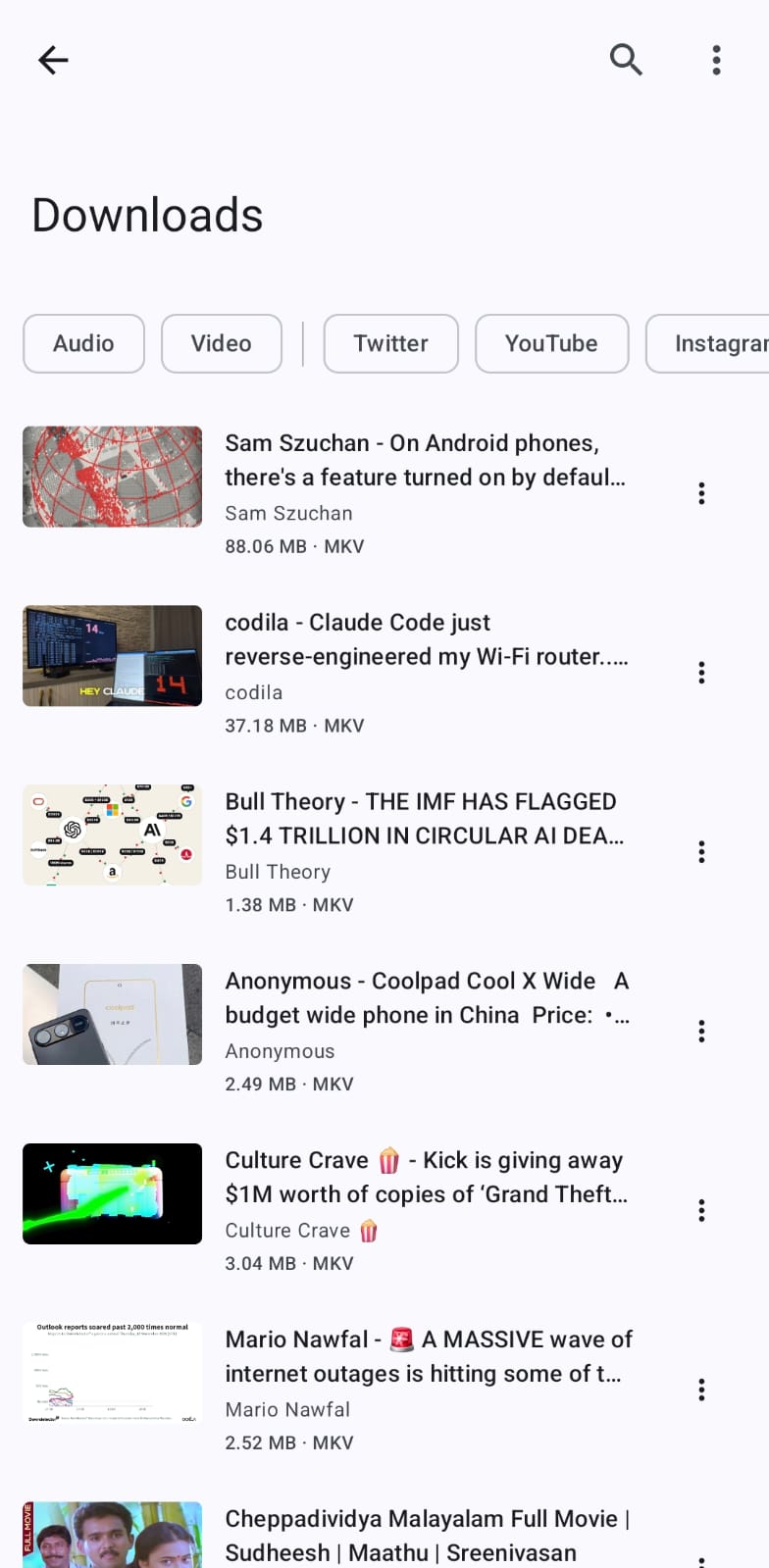
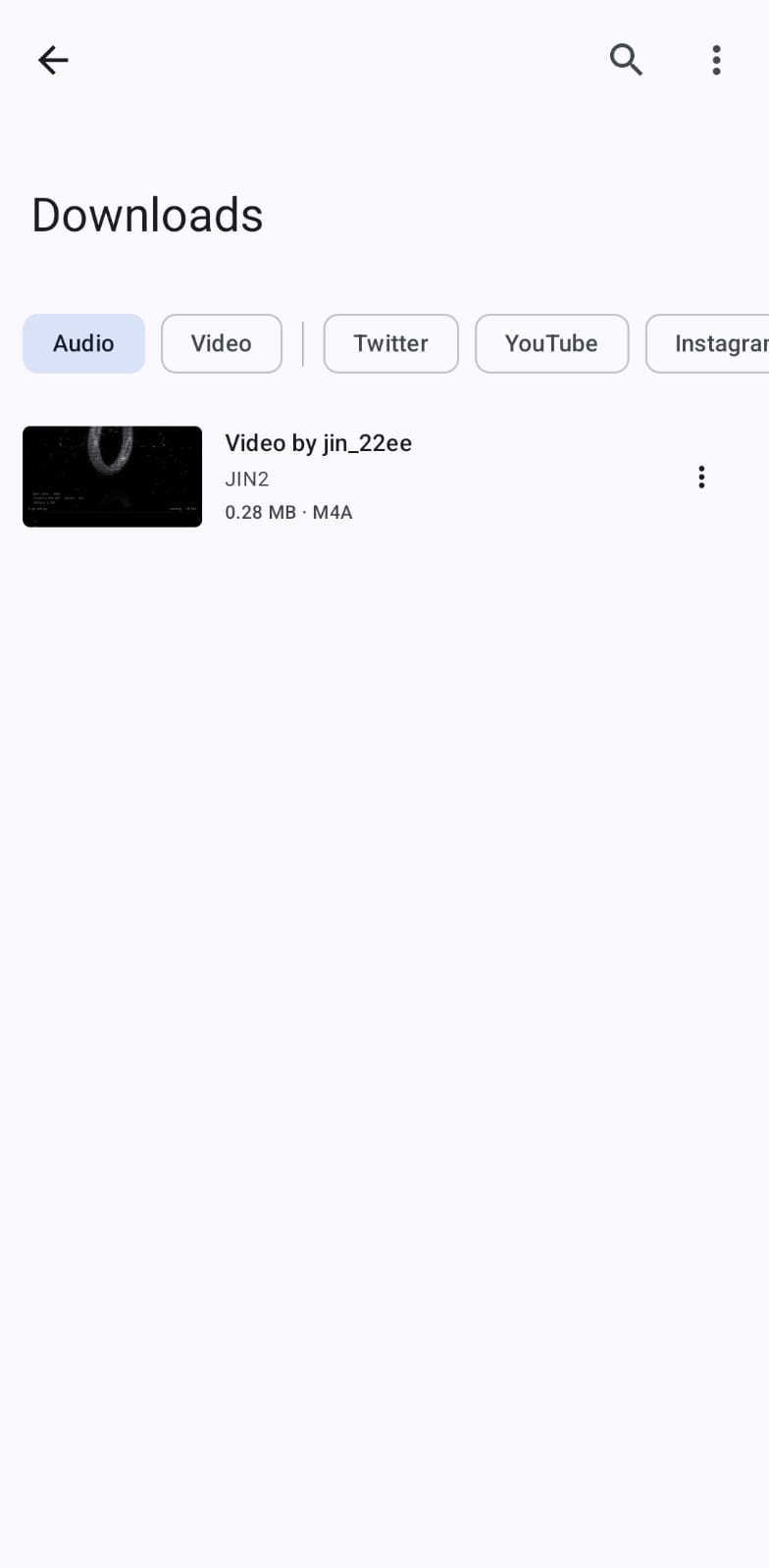
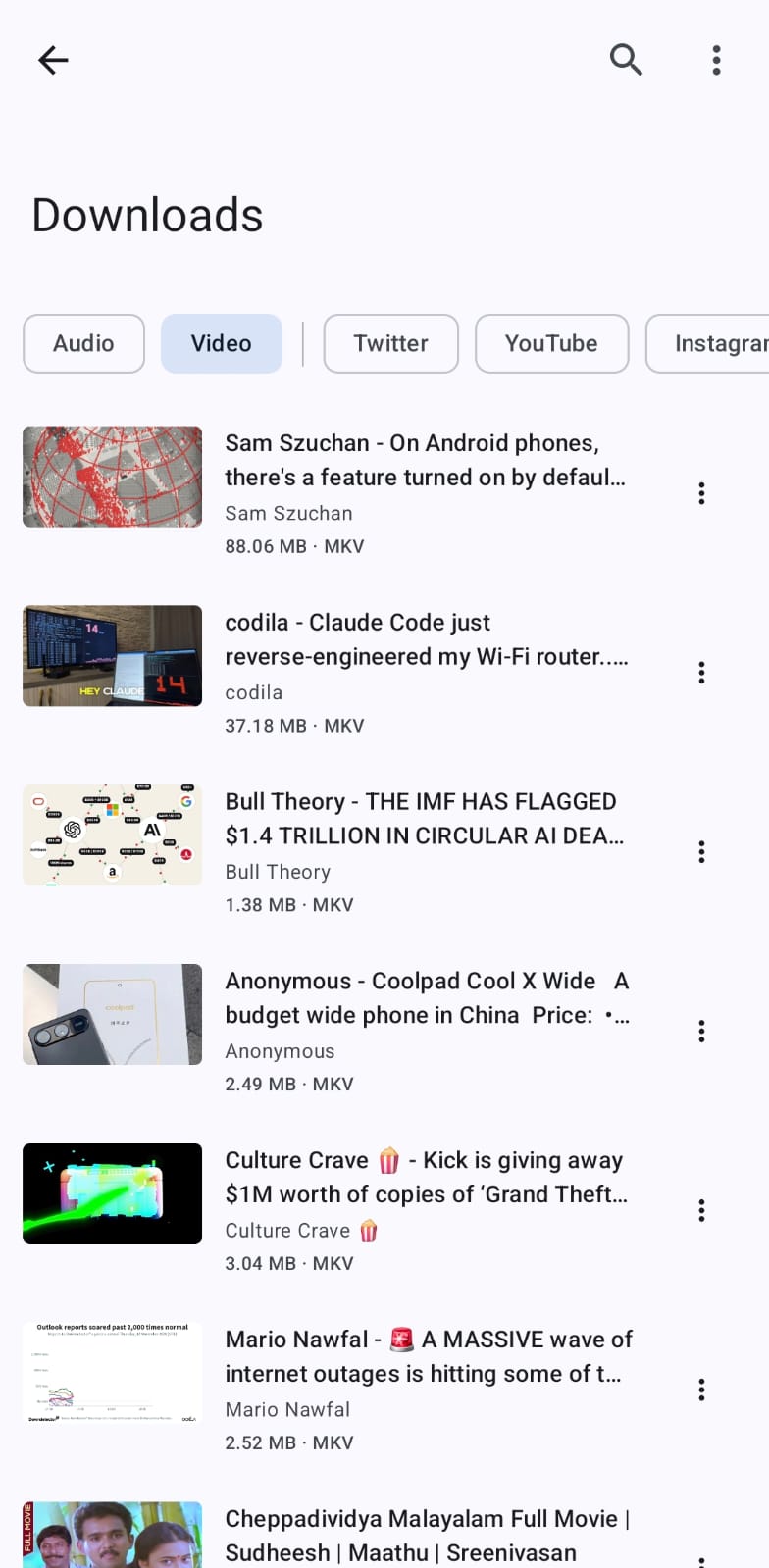
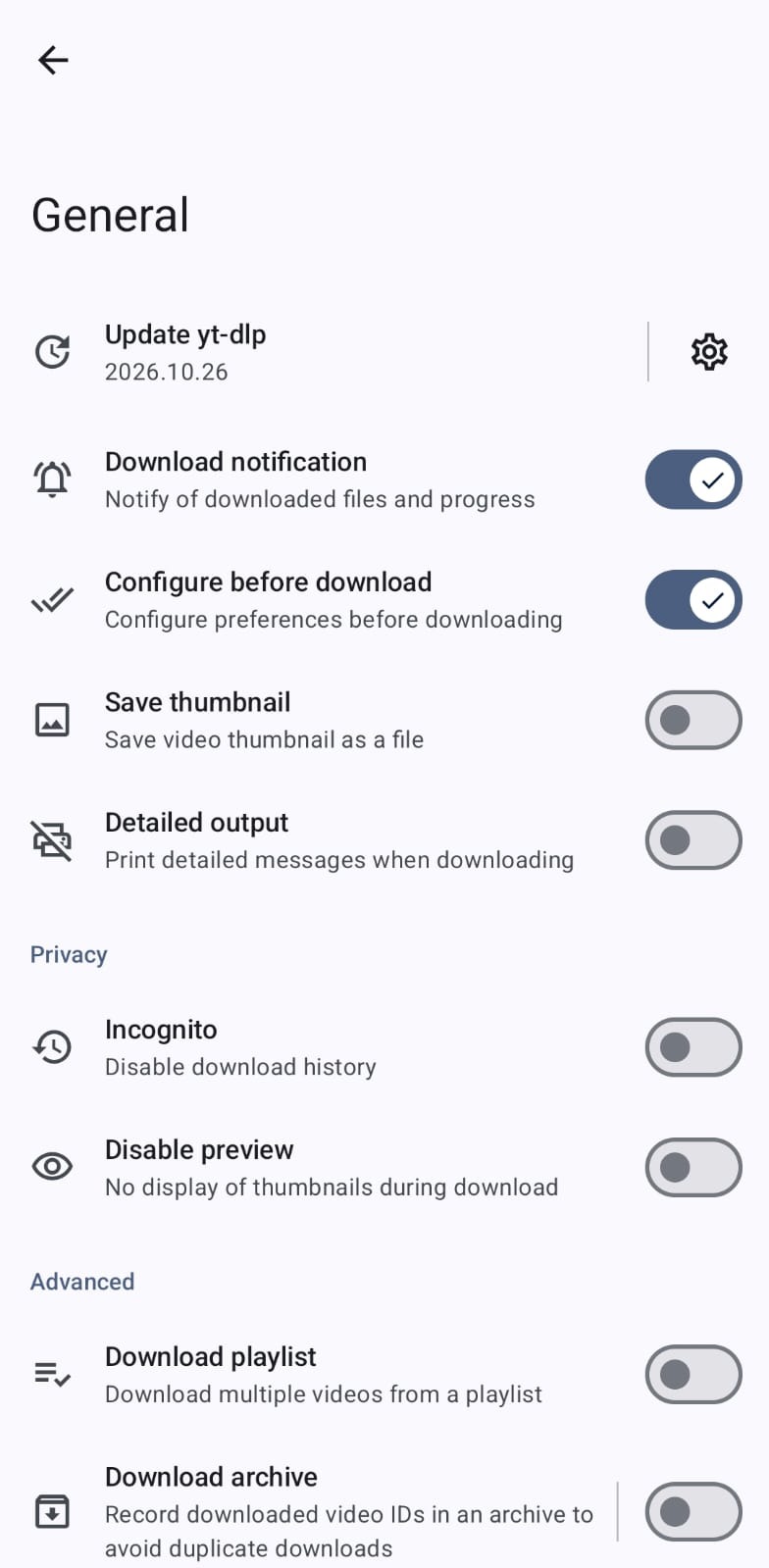
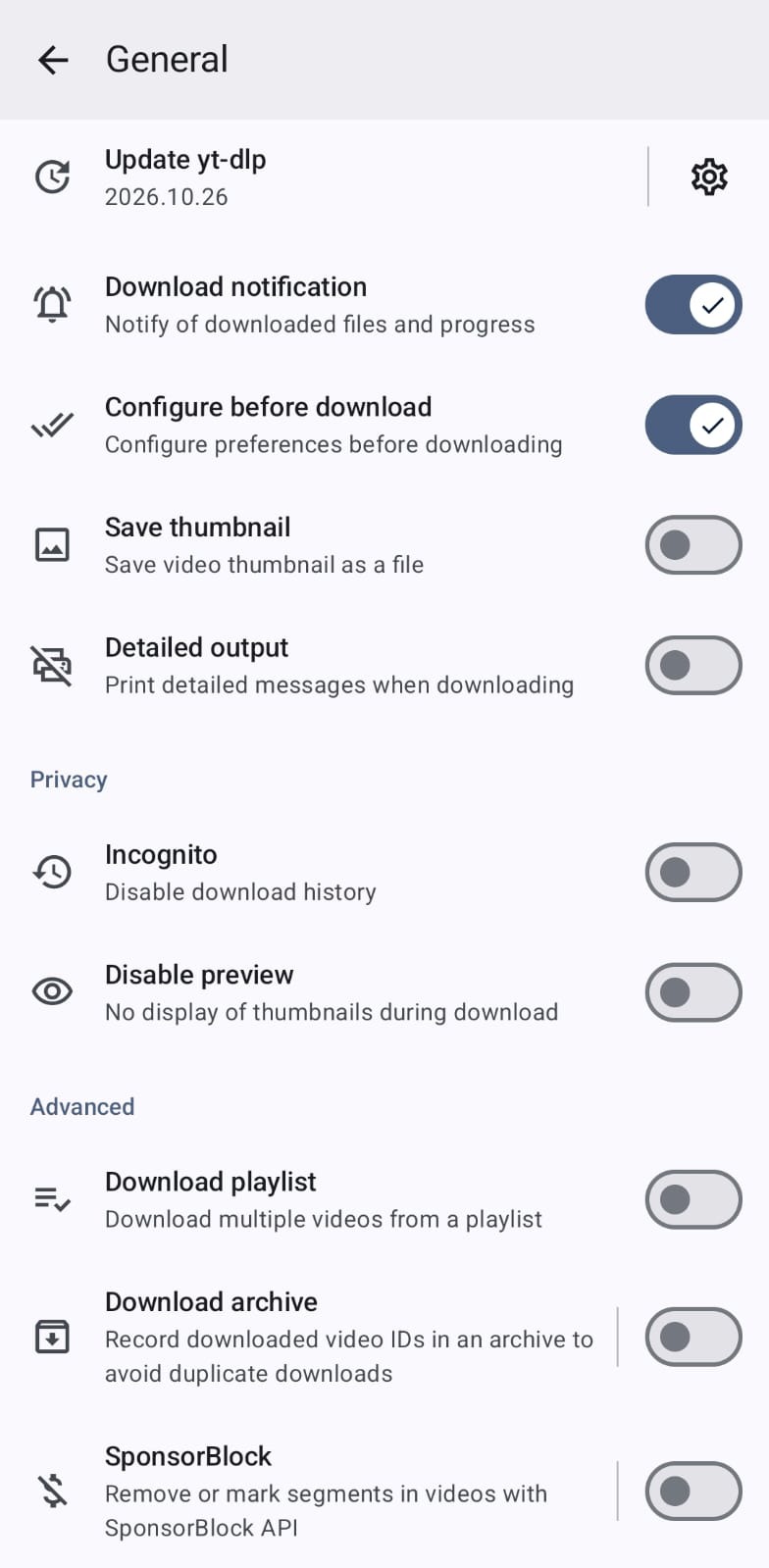
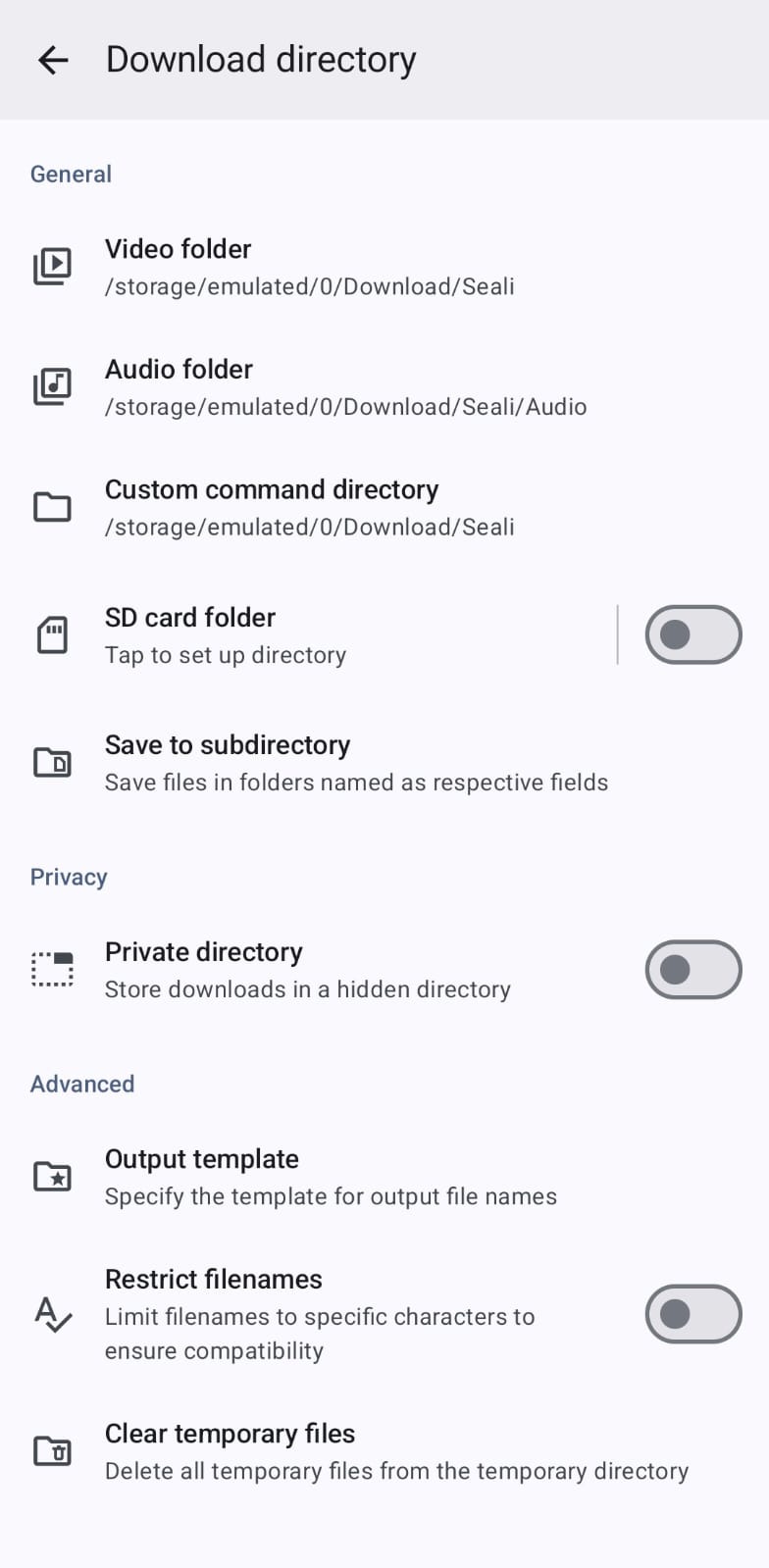
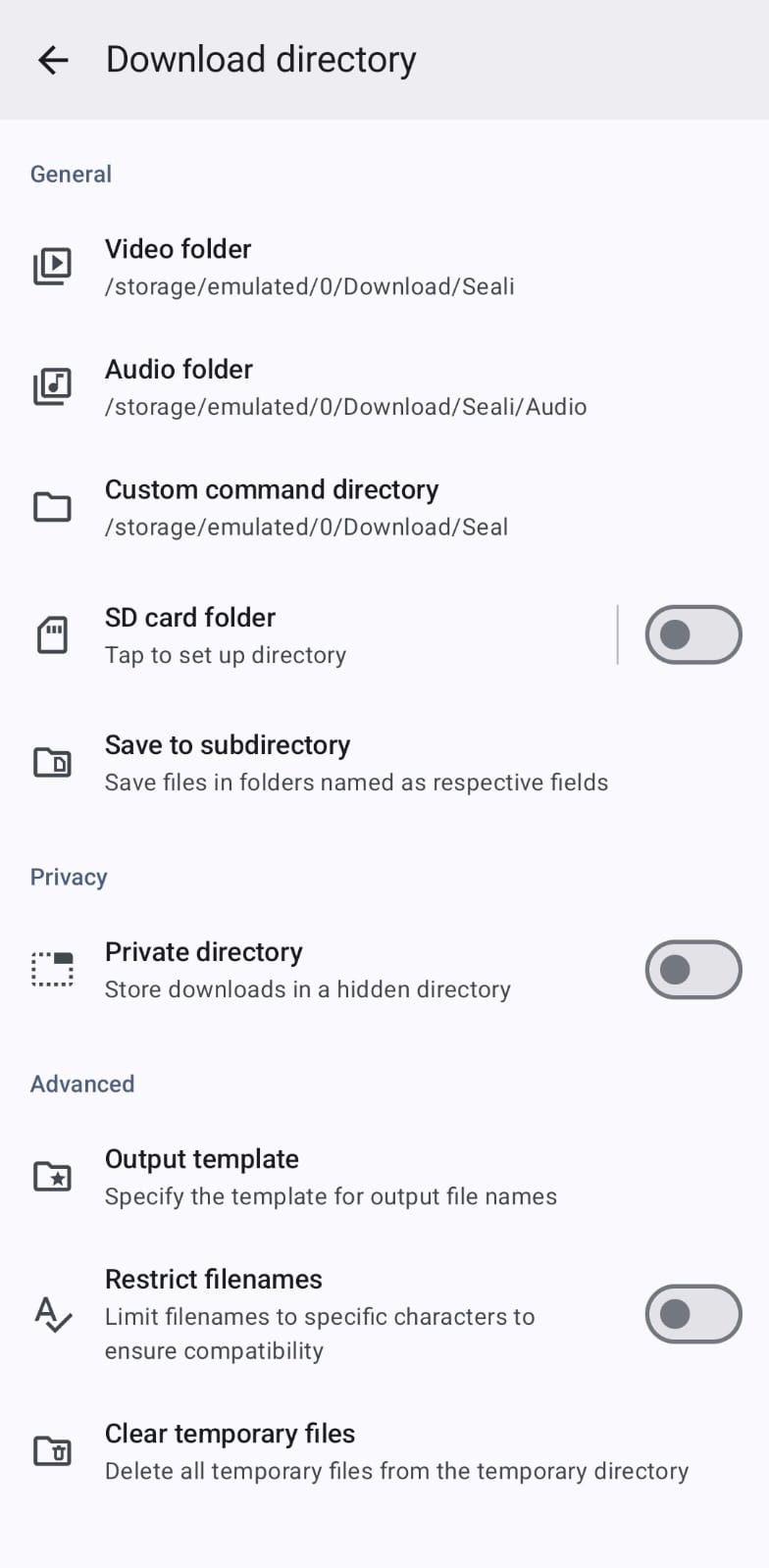
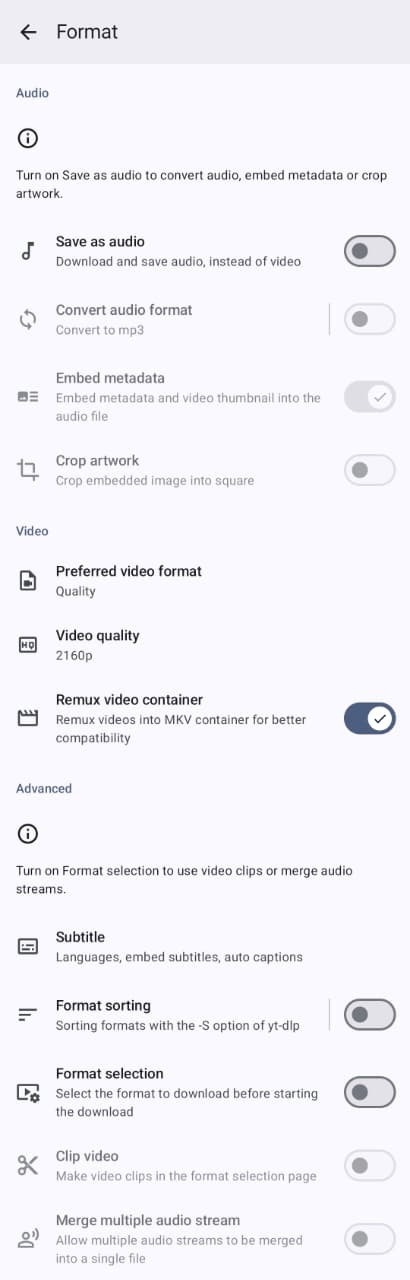
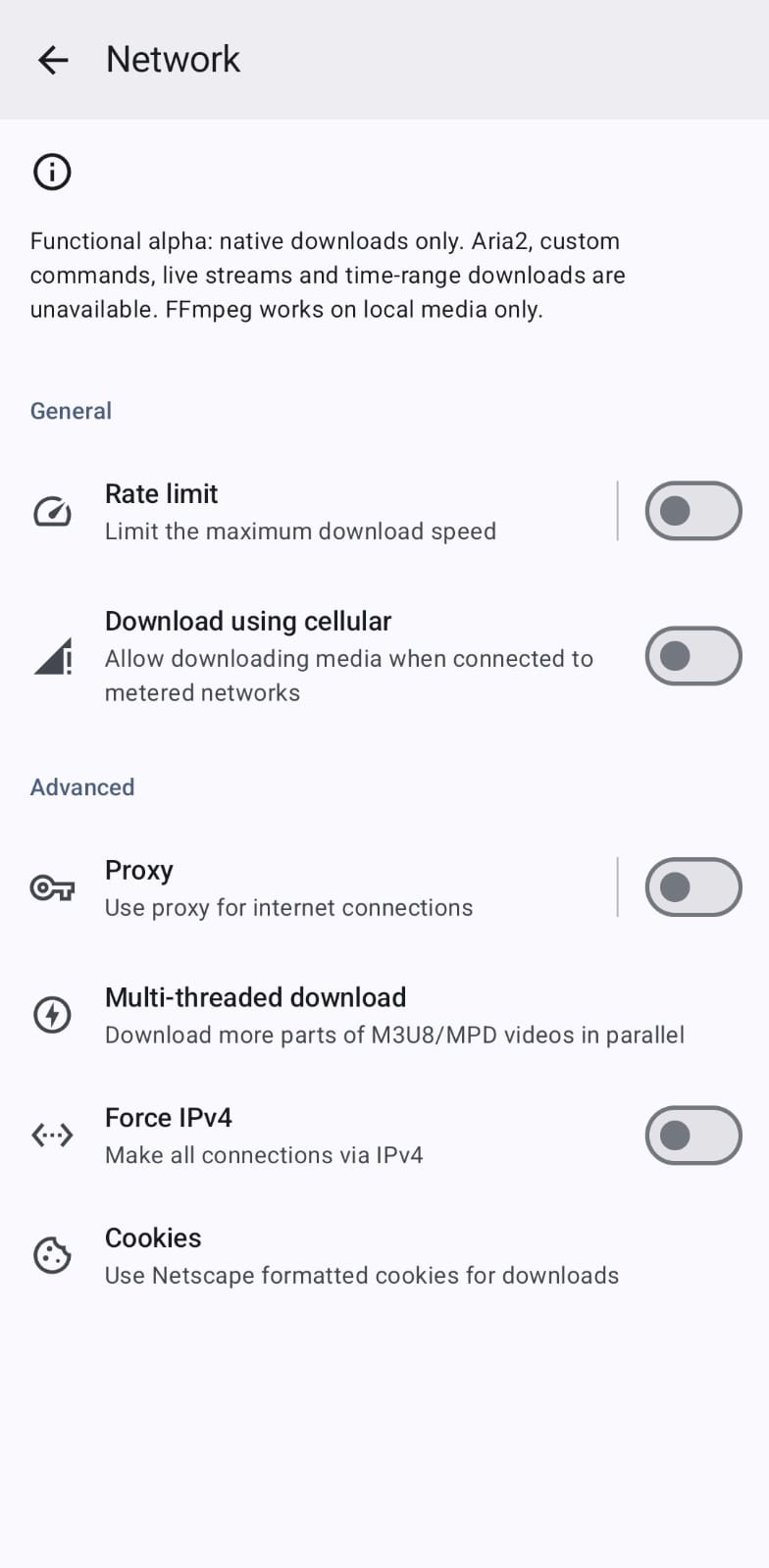
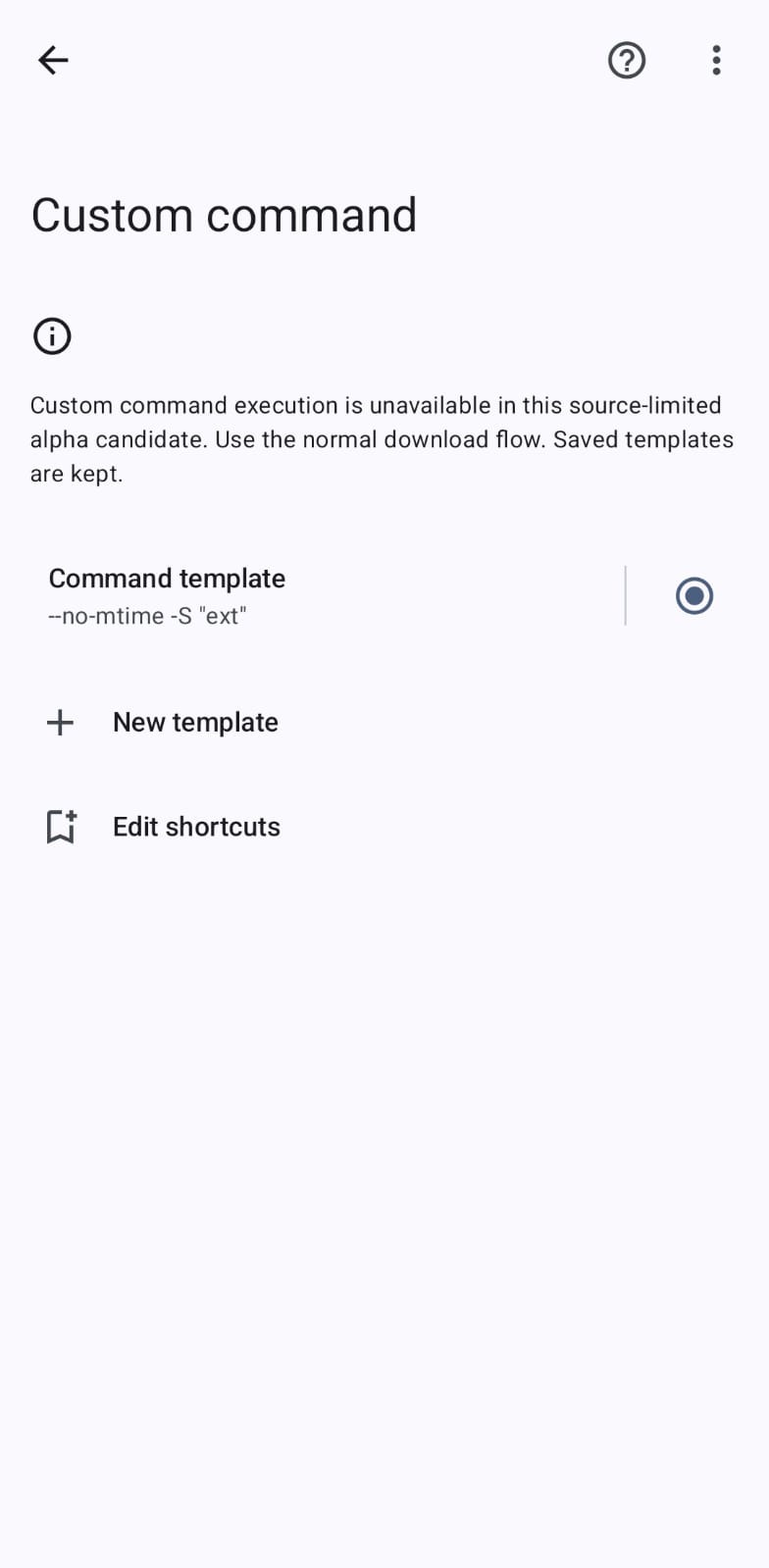
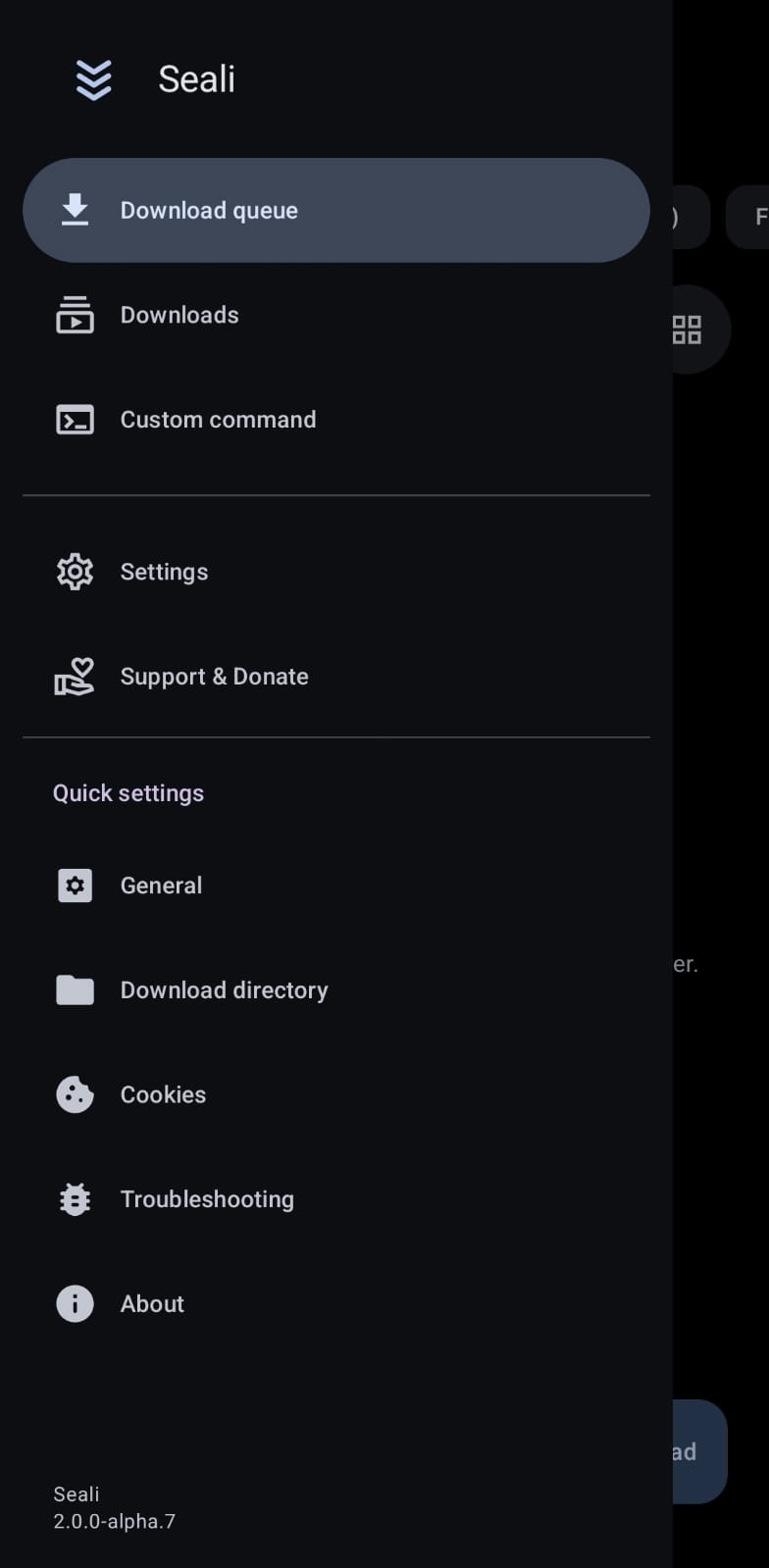
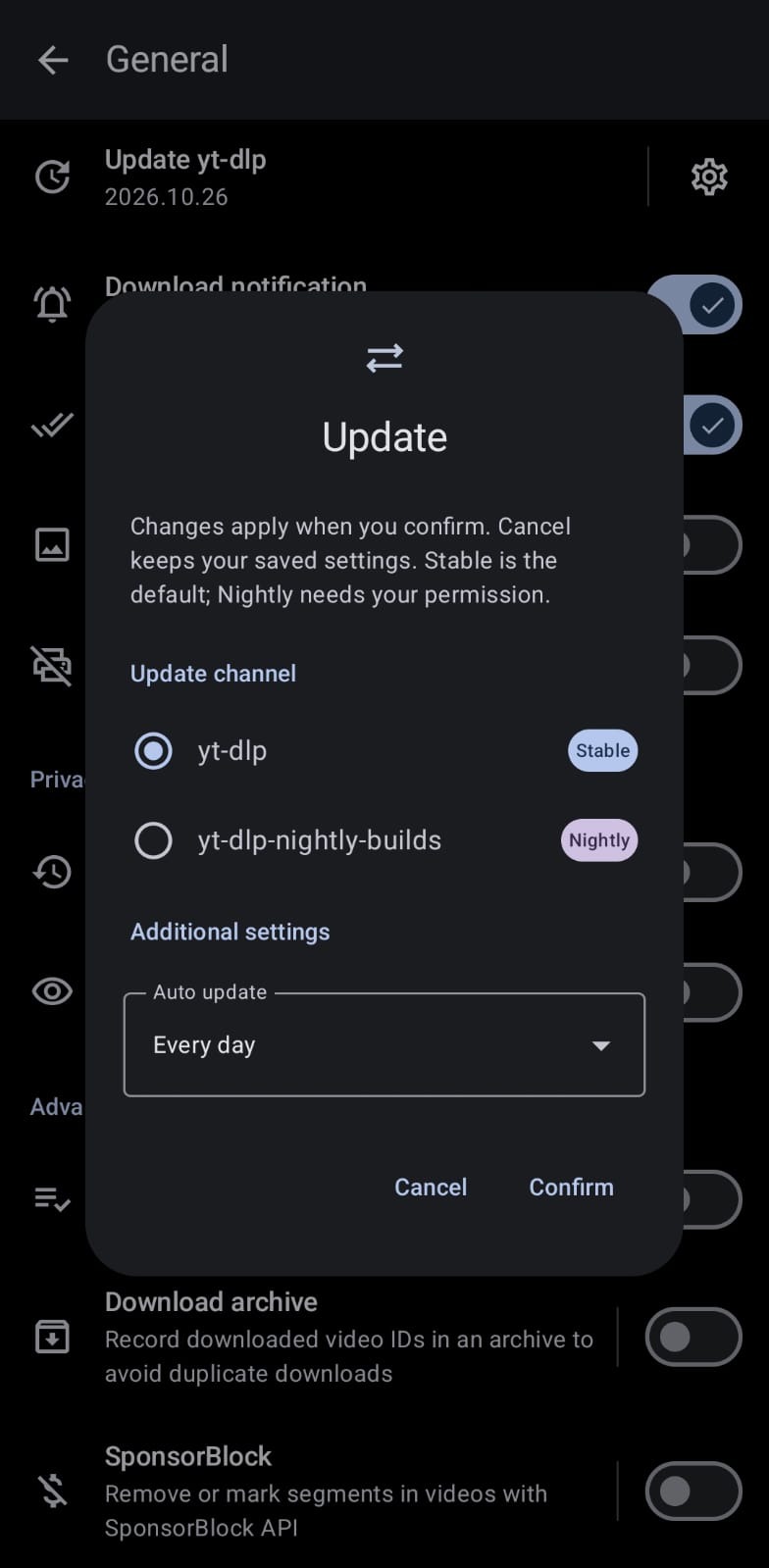
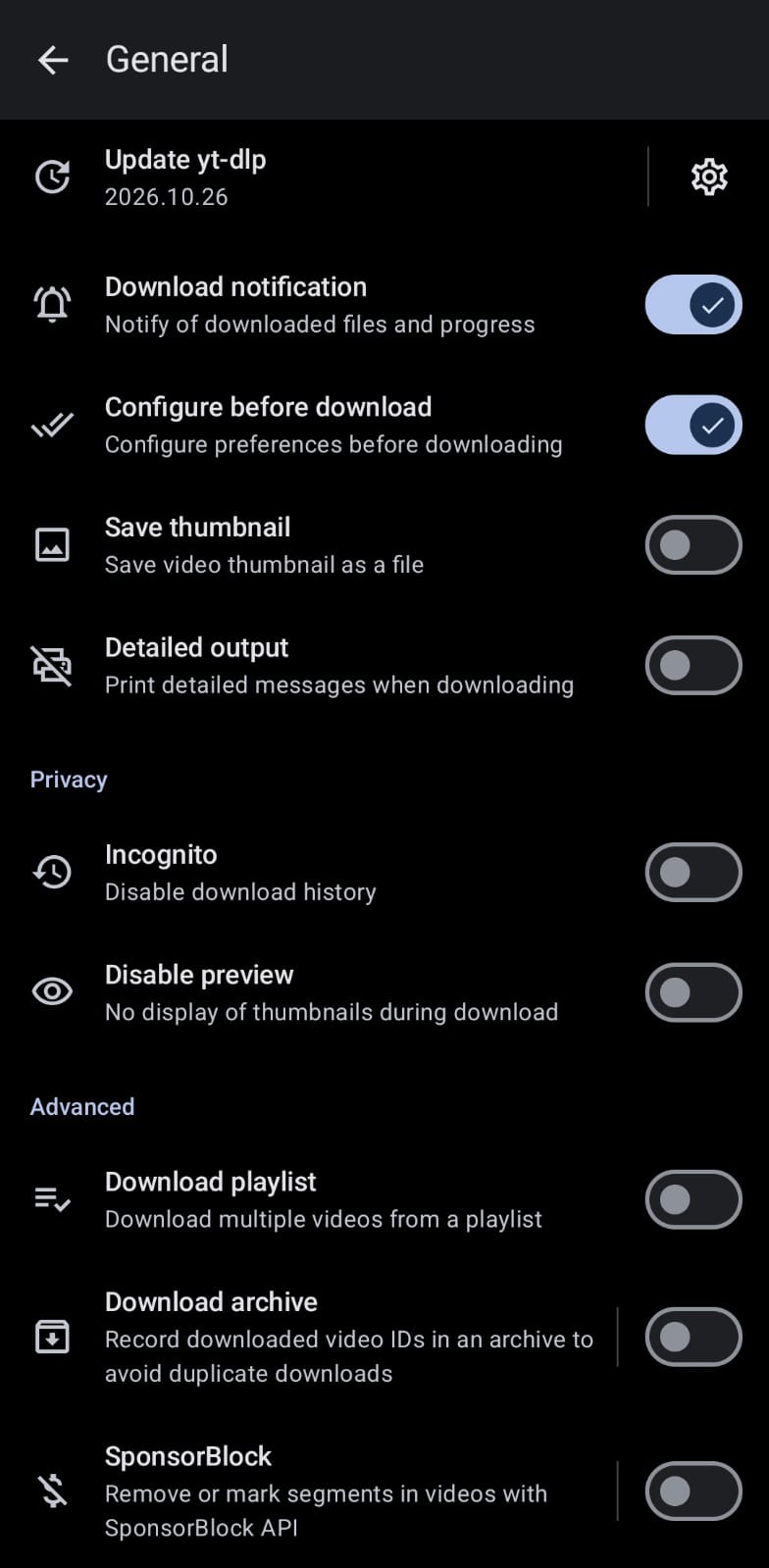
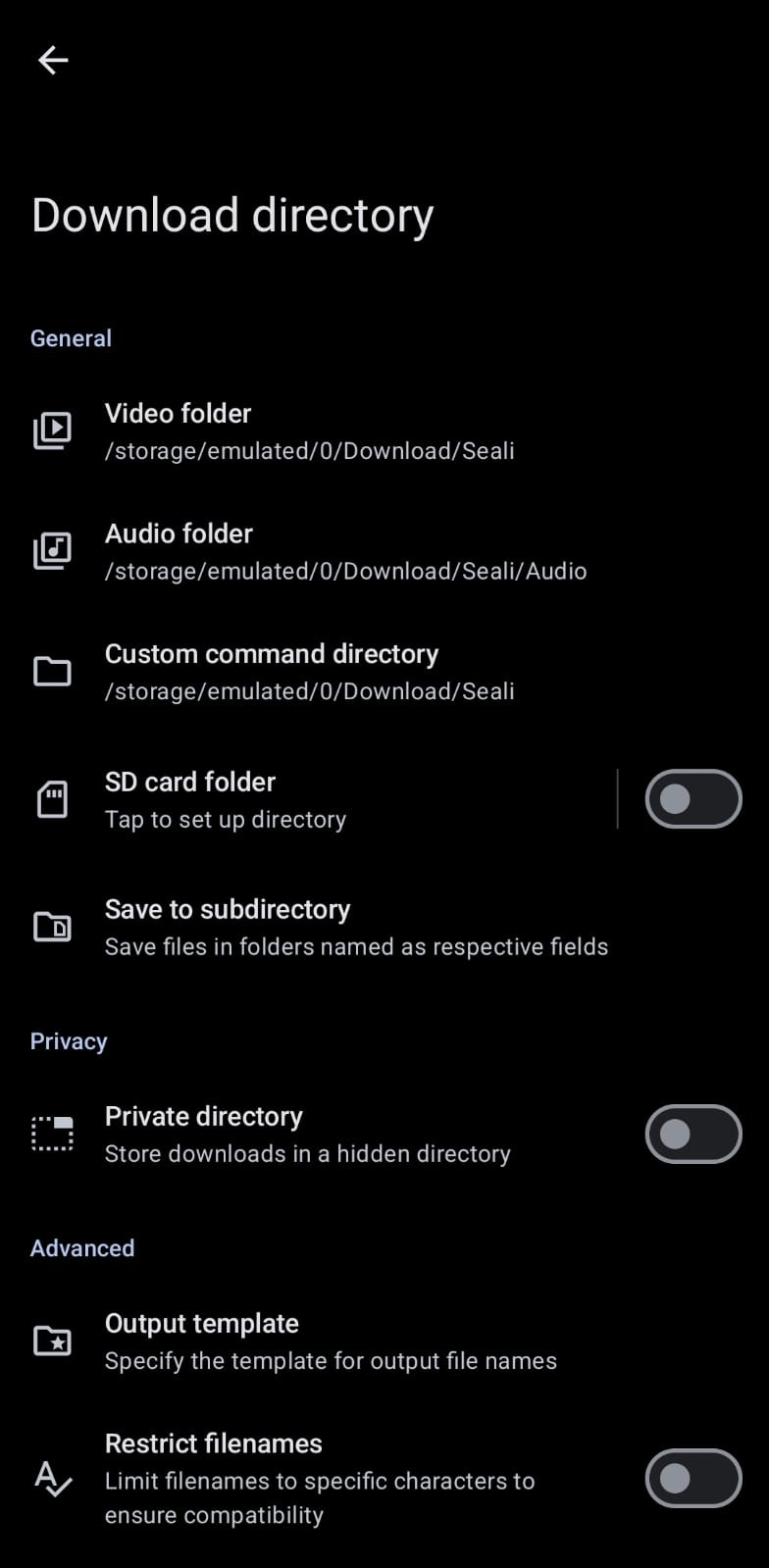
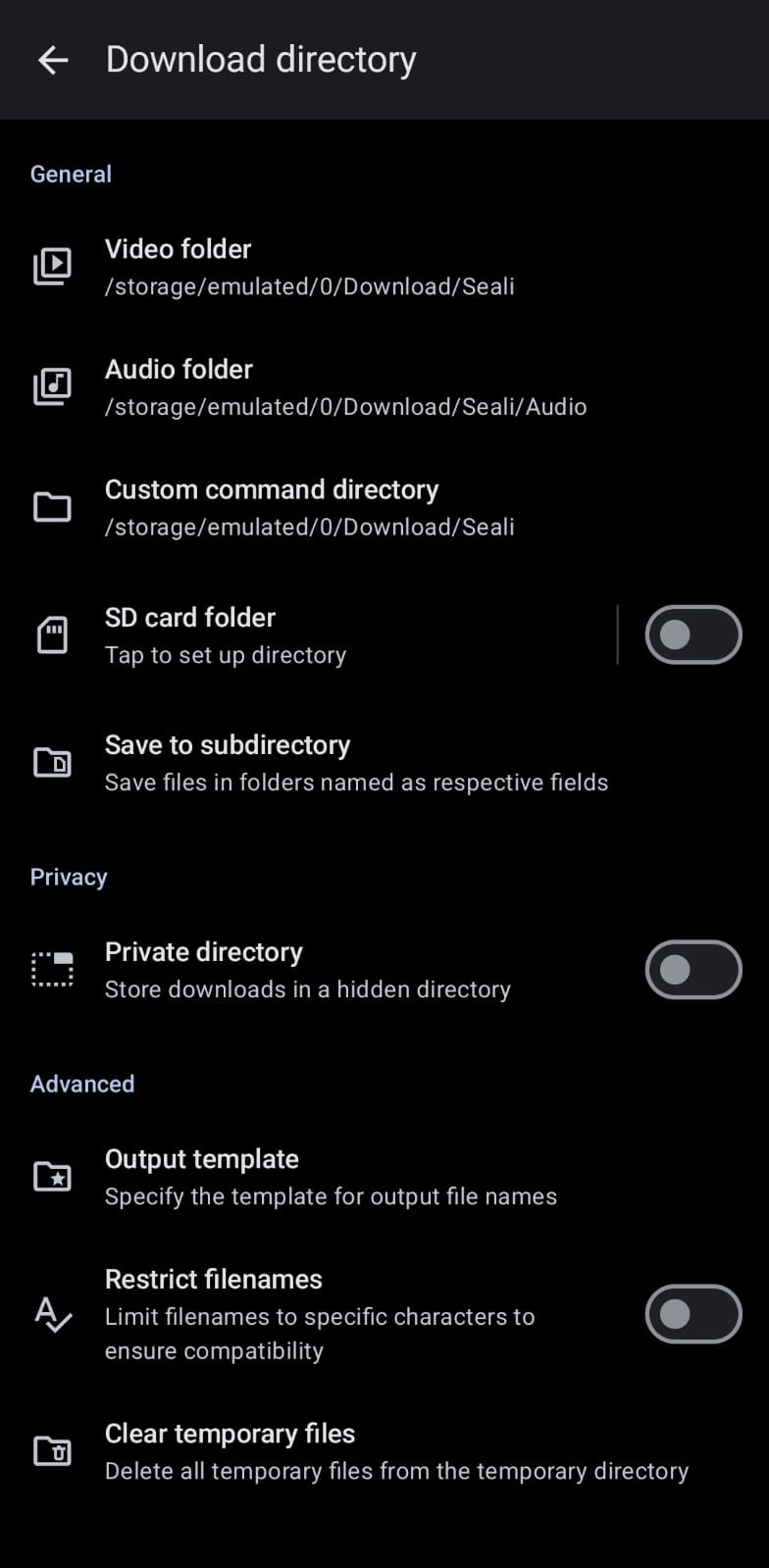
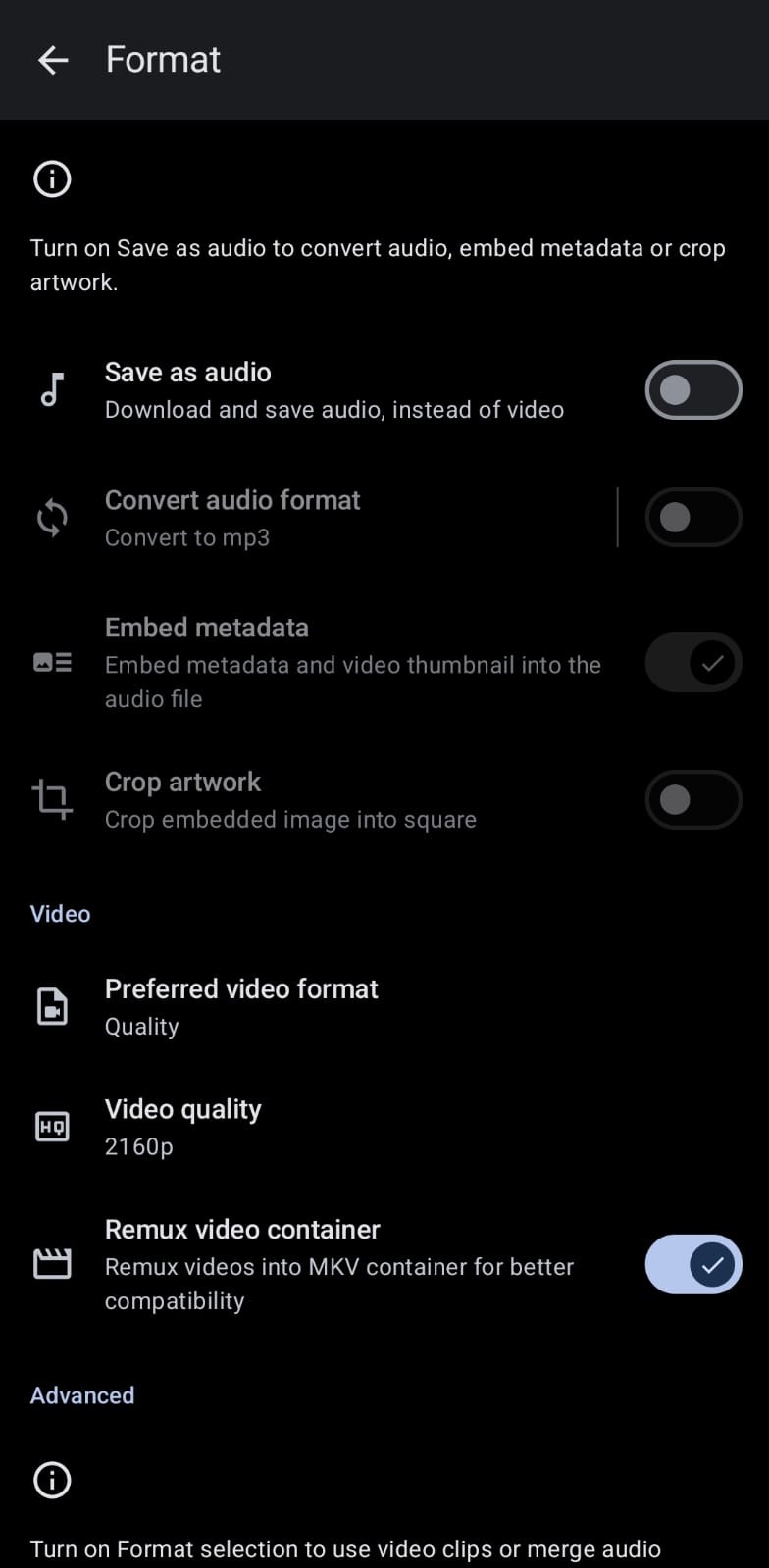
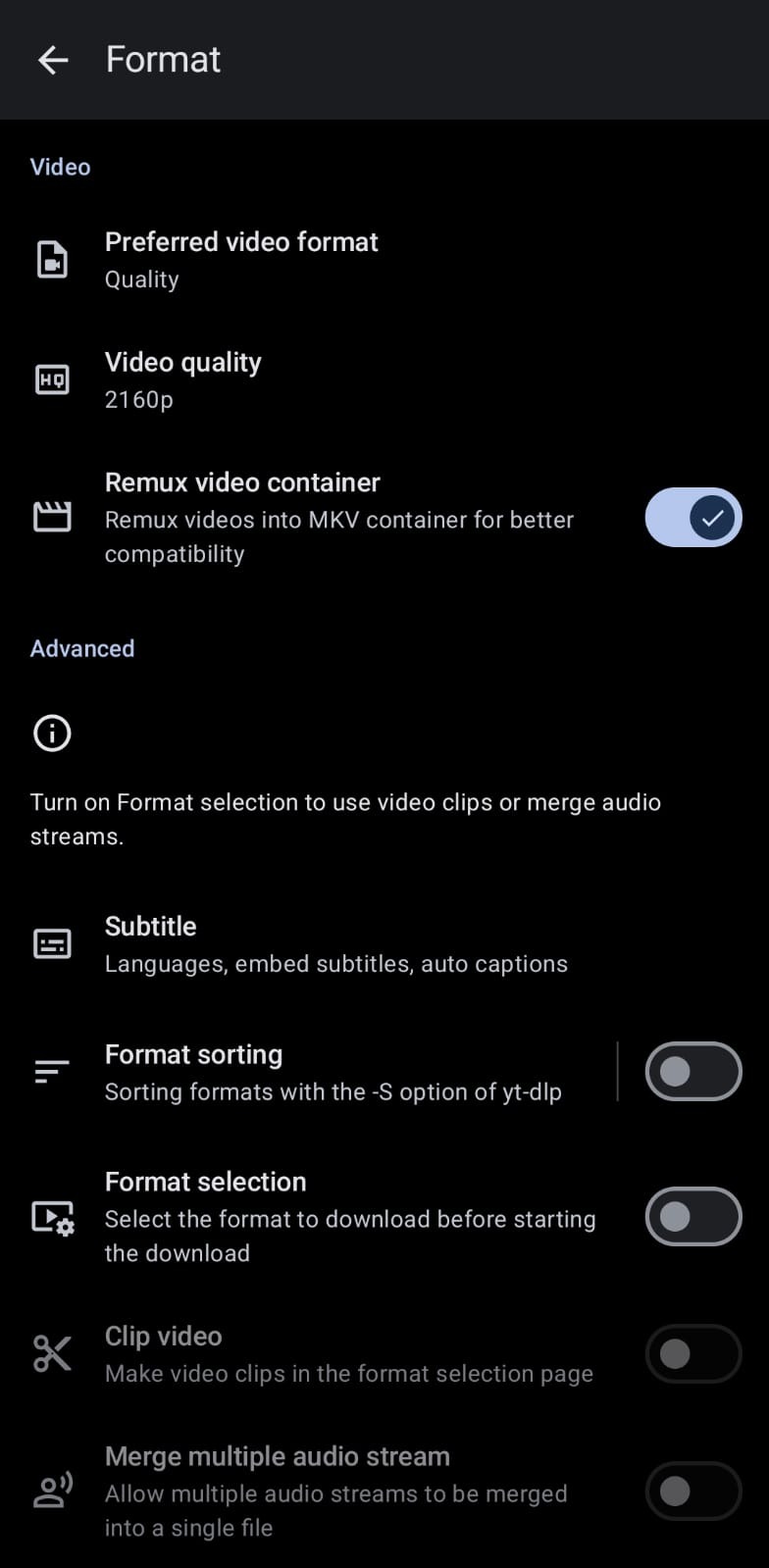
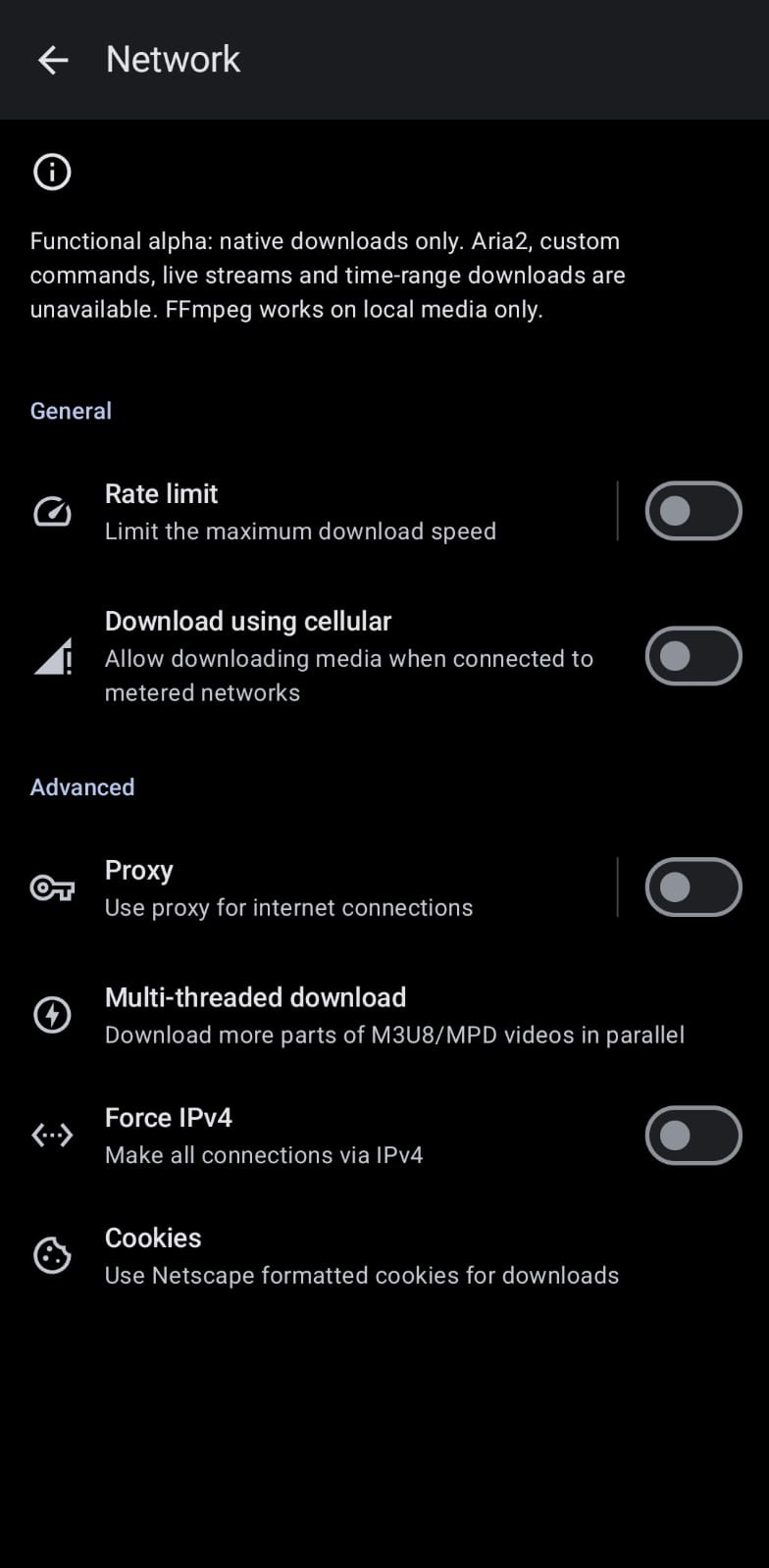
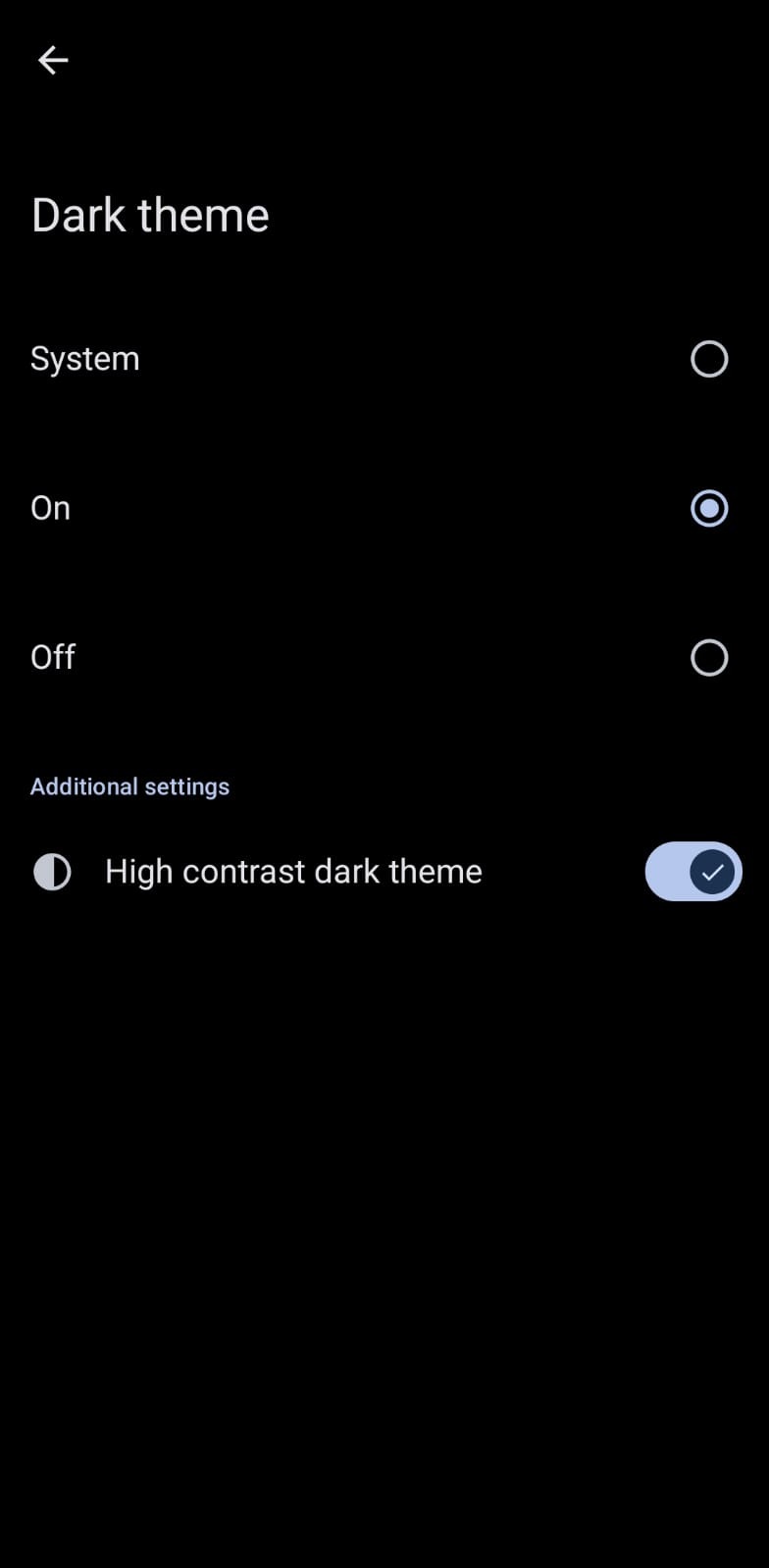
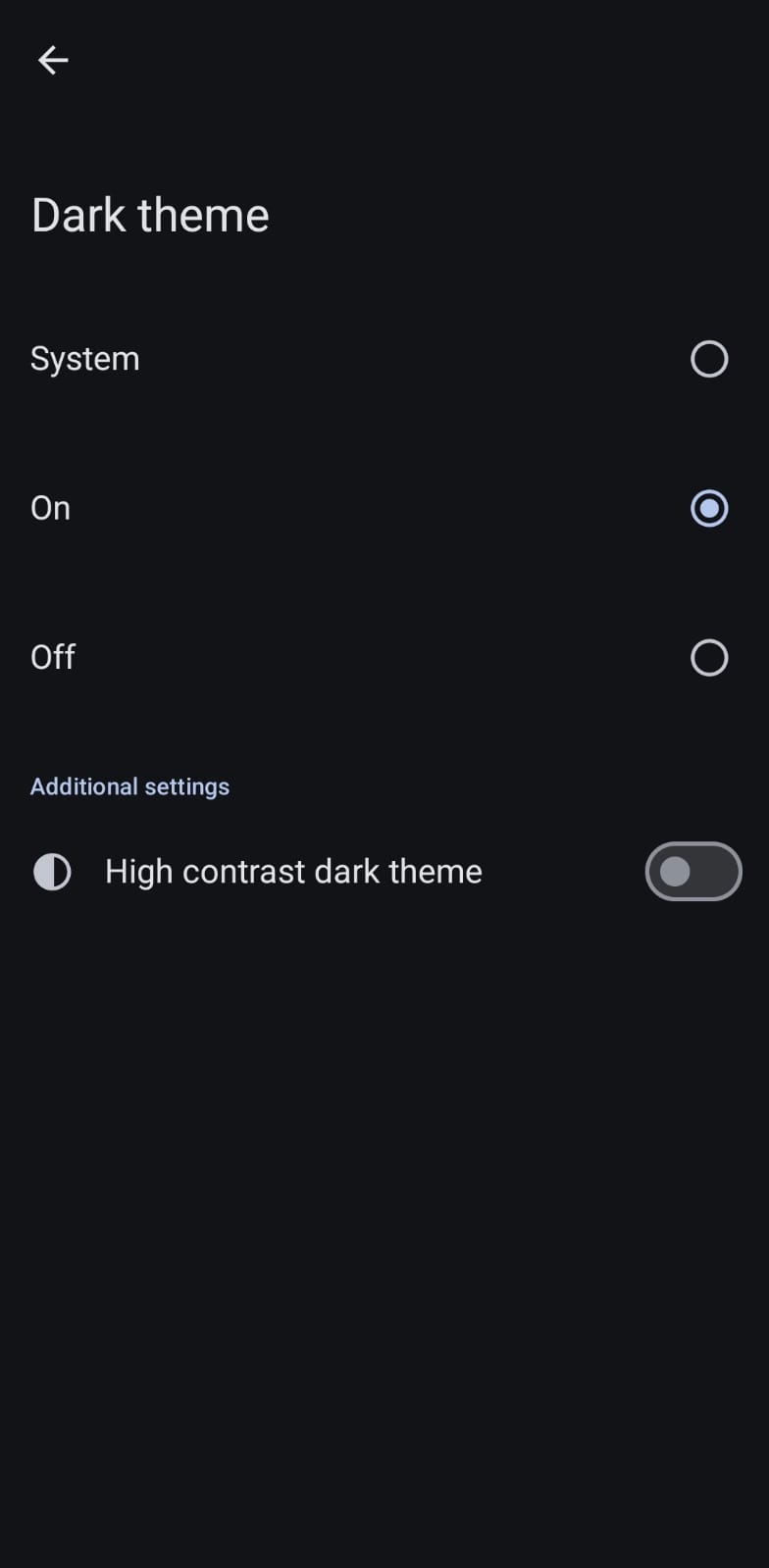
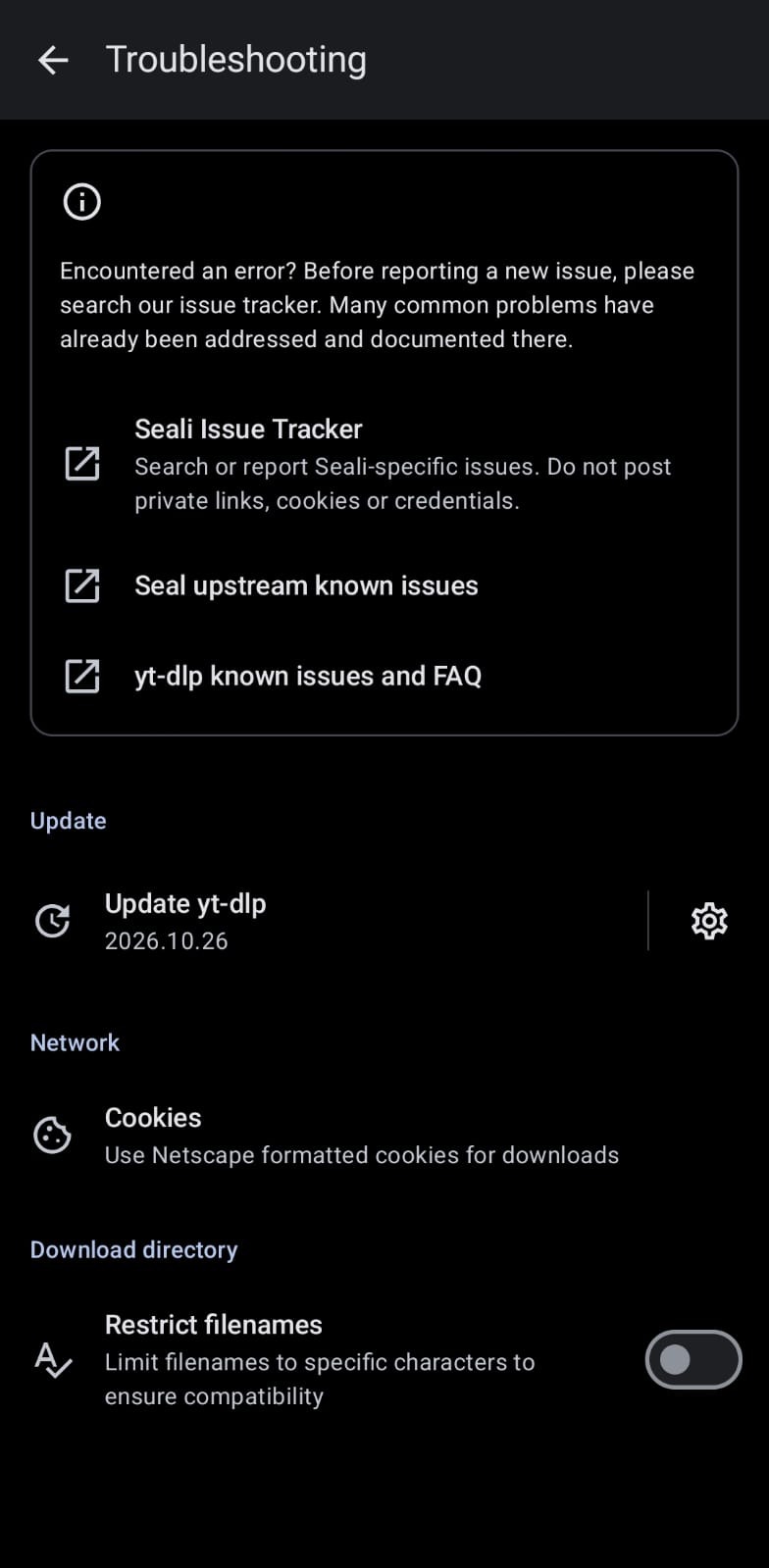
Maintainer-provided alpha.7 captures in app order. Pick a theme and swipe through the screens. The screens show alpha.7; public downloads below are alpha.5. Some alpha features are limited as noted in the shots.
Swipe or scroll to browse. Tap a screenshot to enlarge.
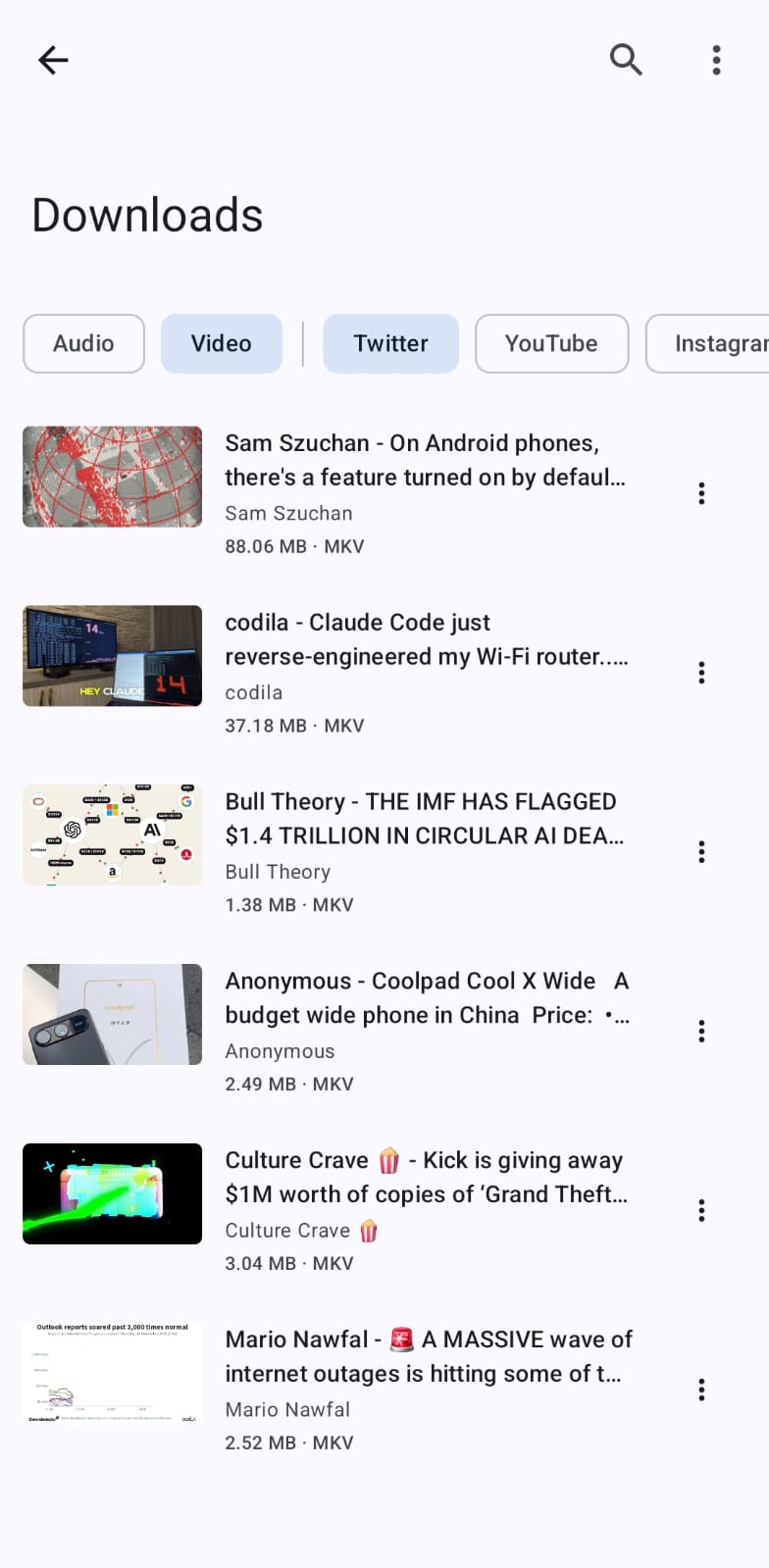
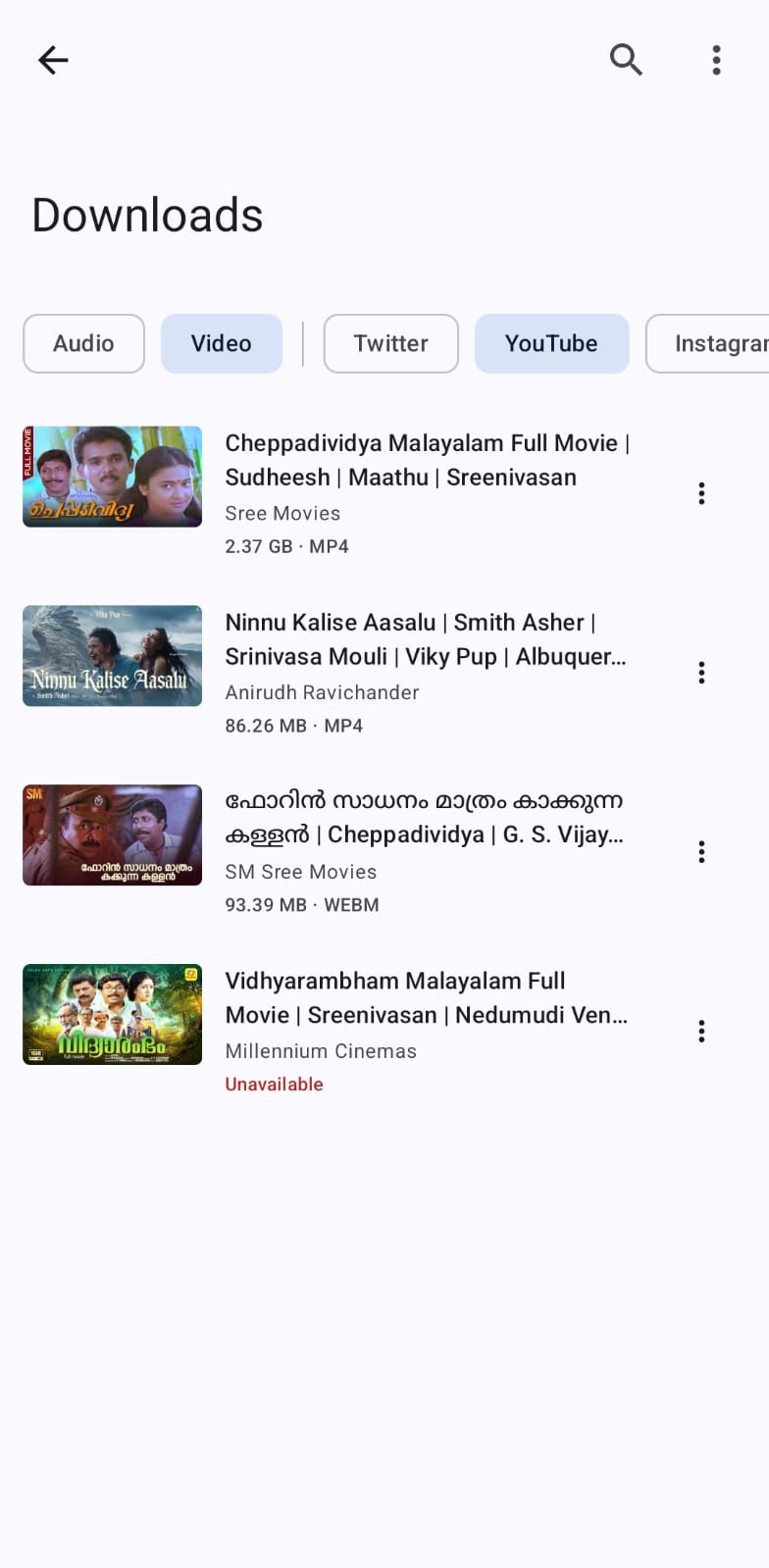
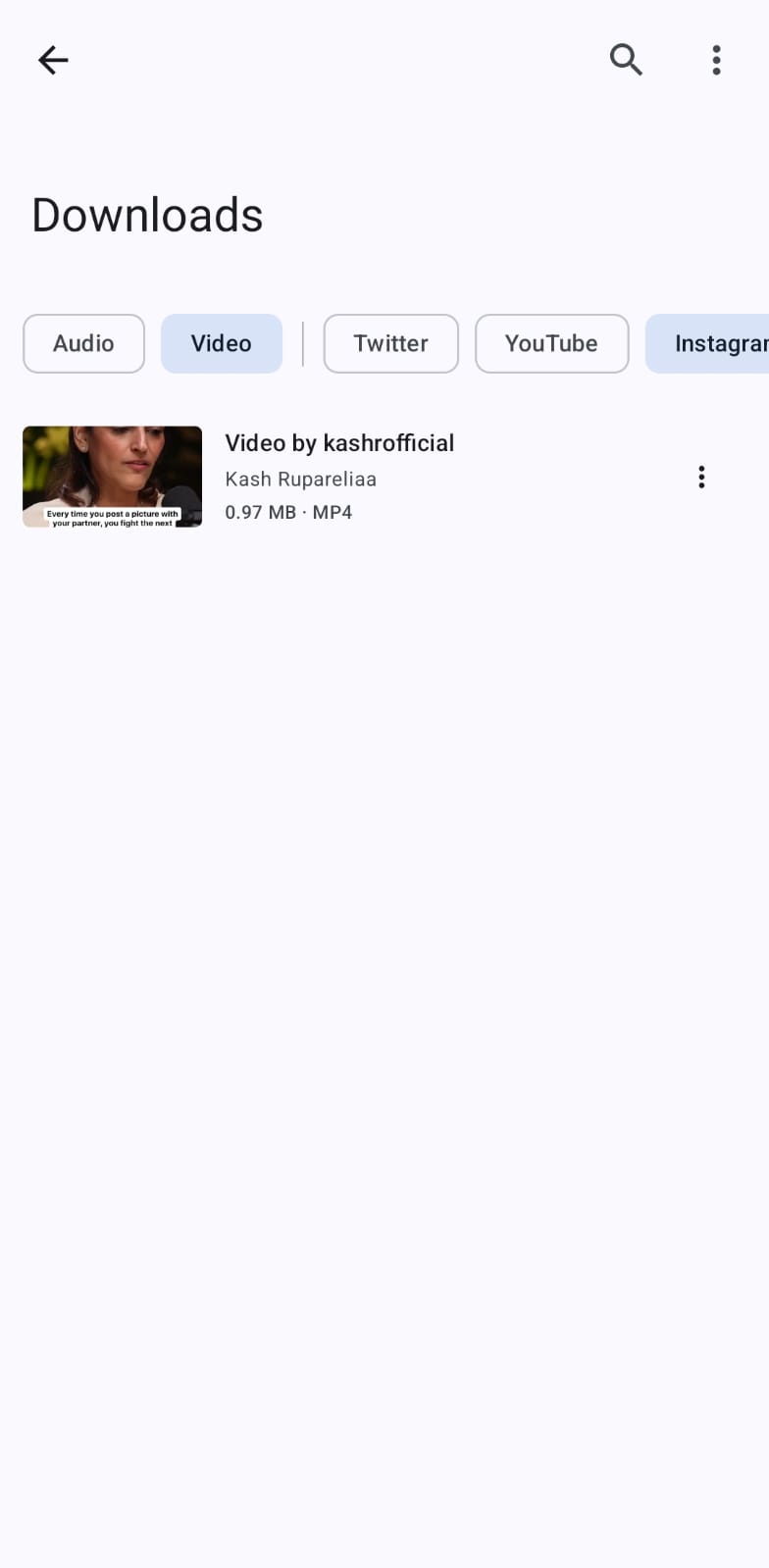
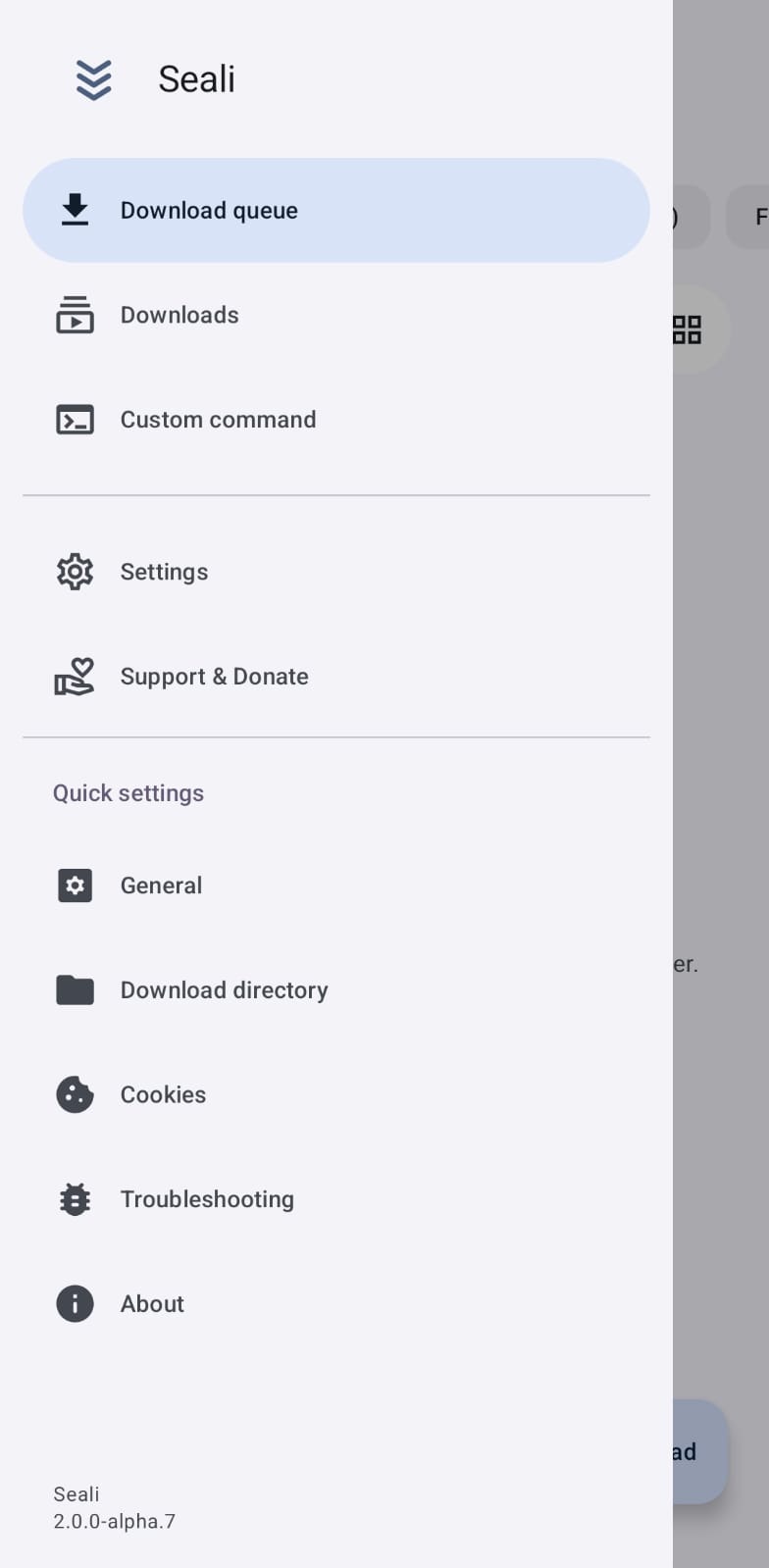
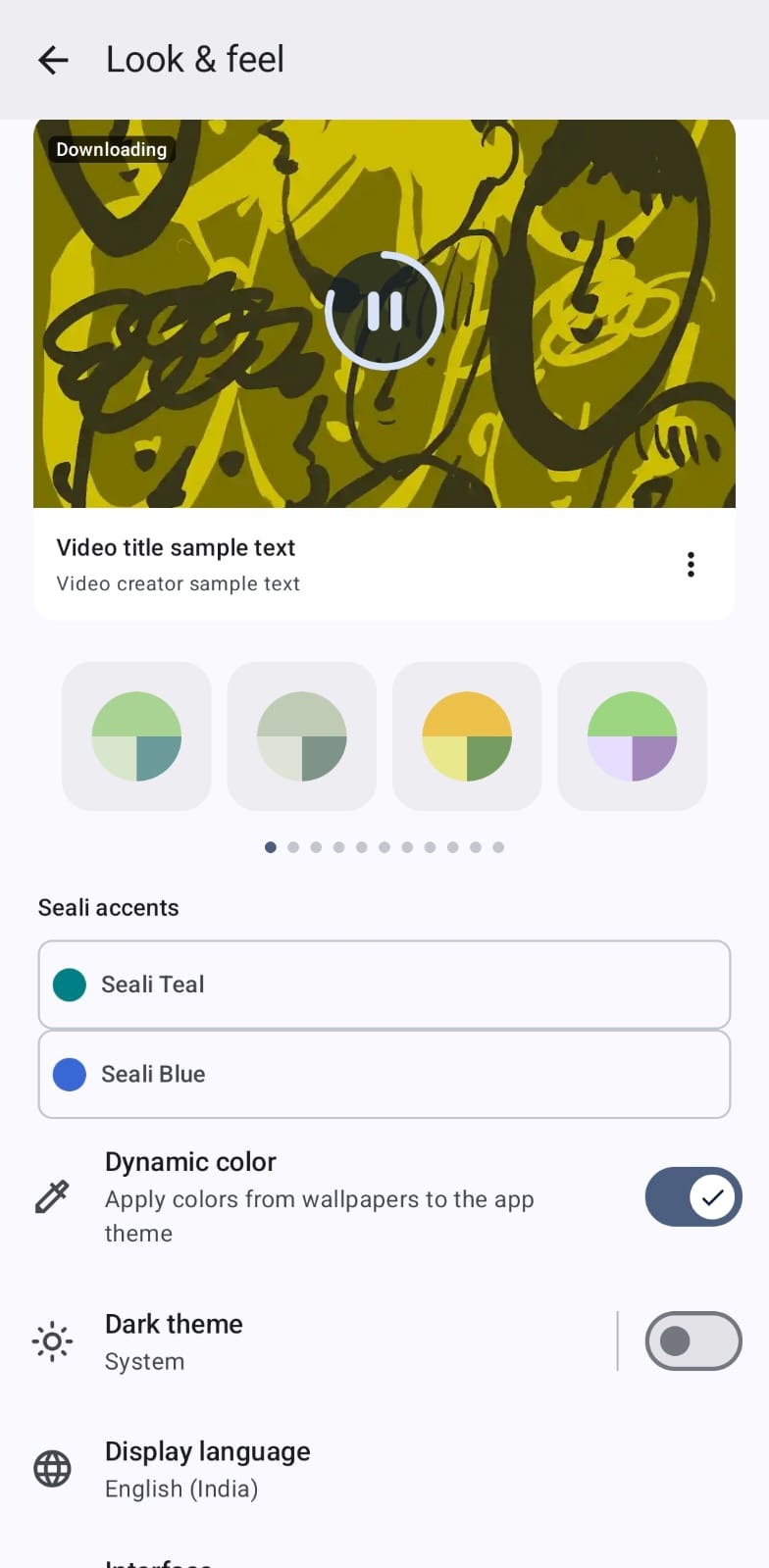
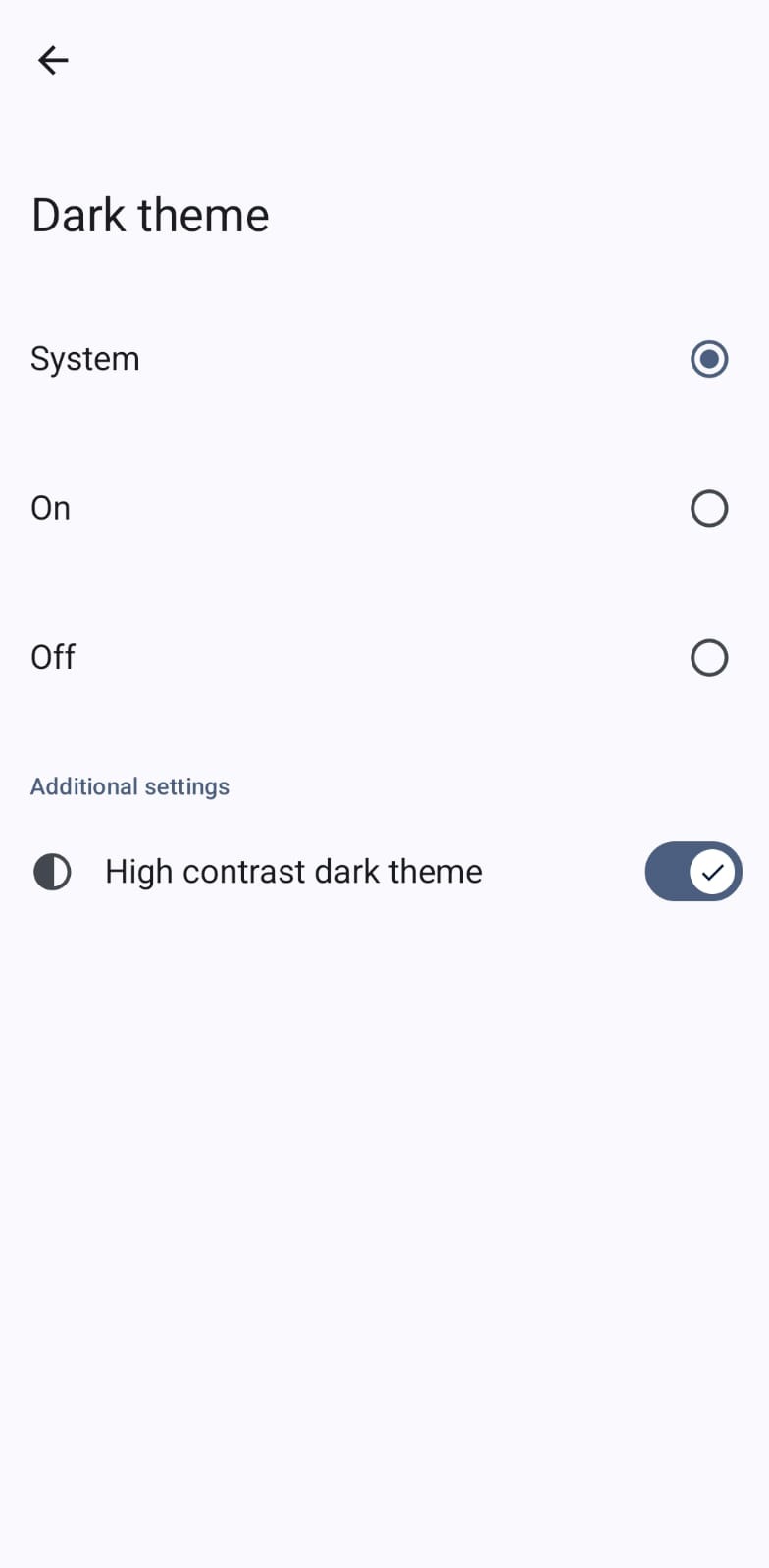
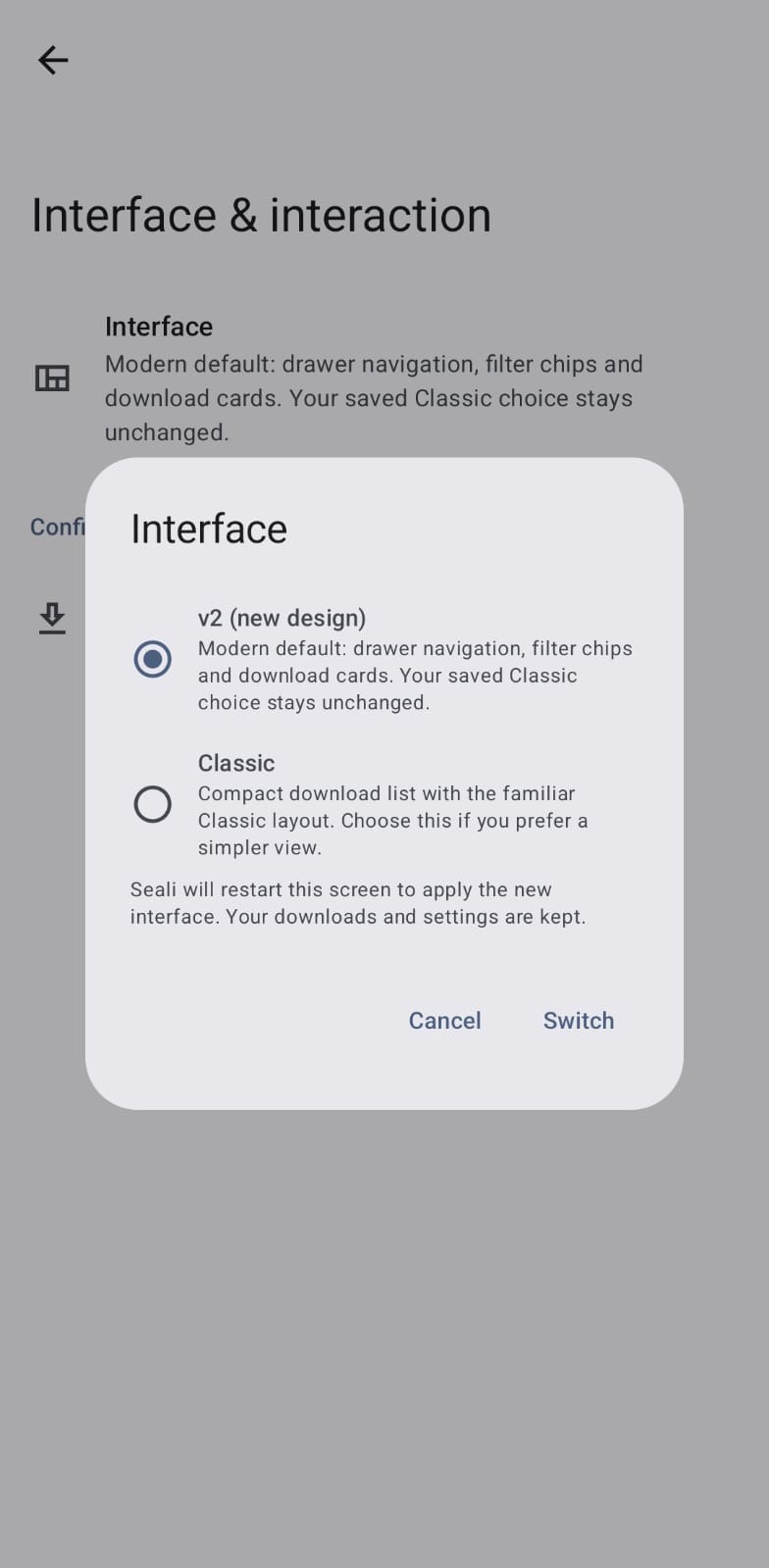
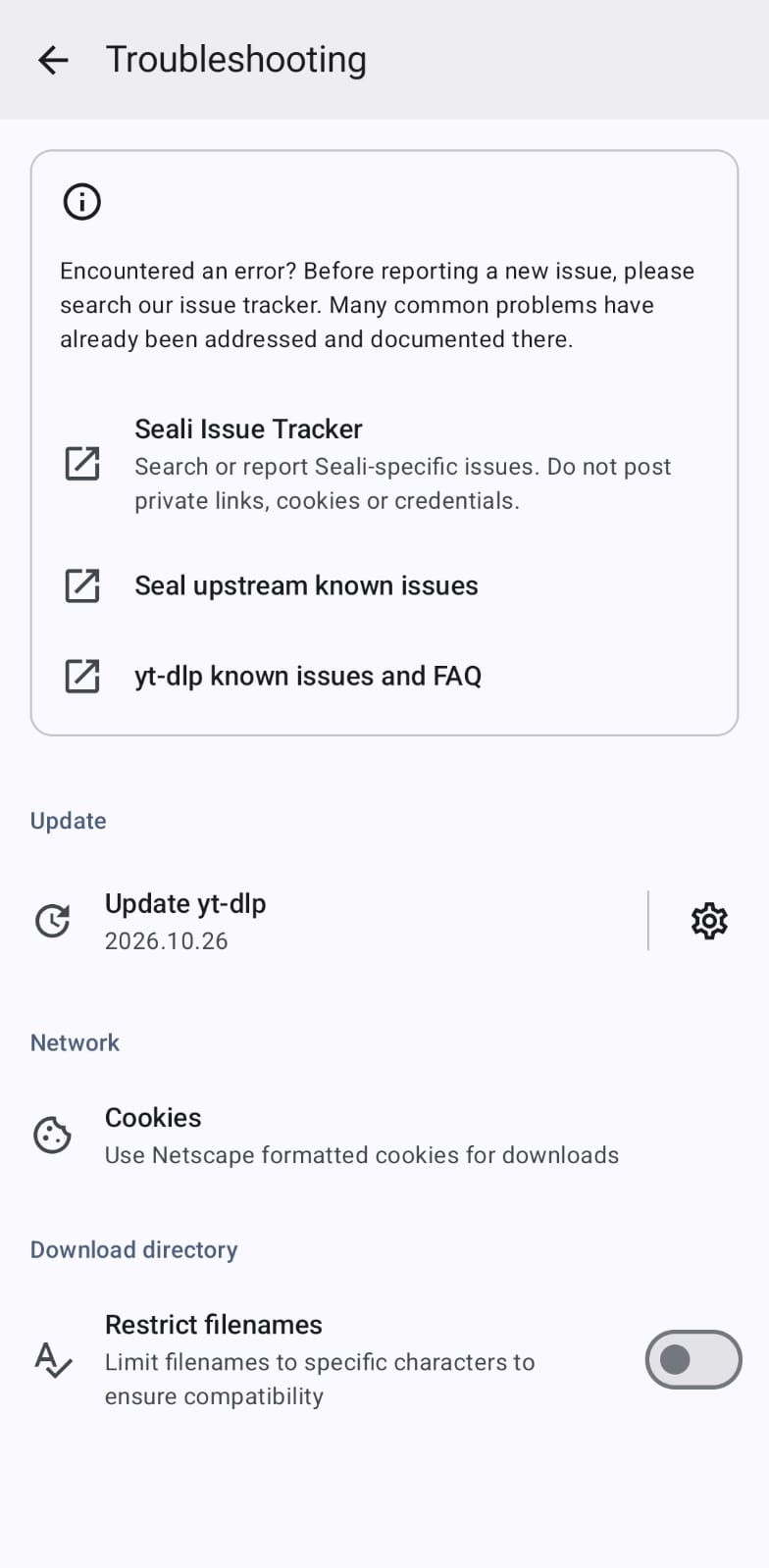
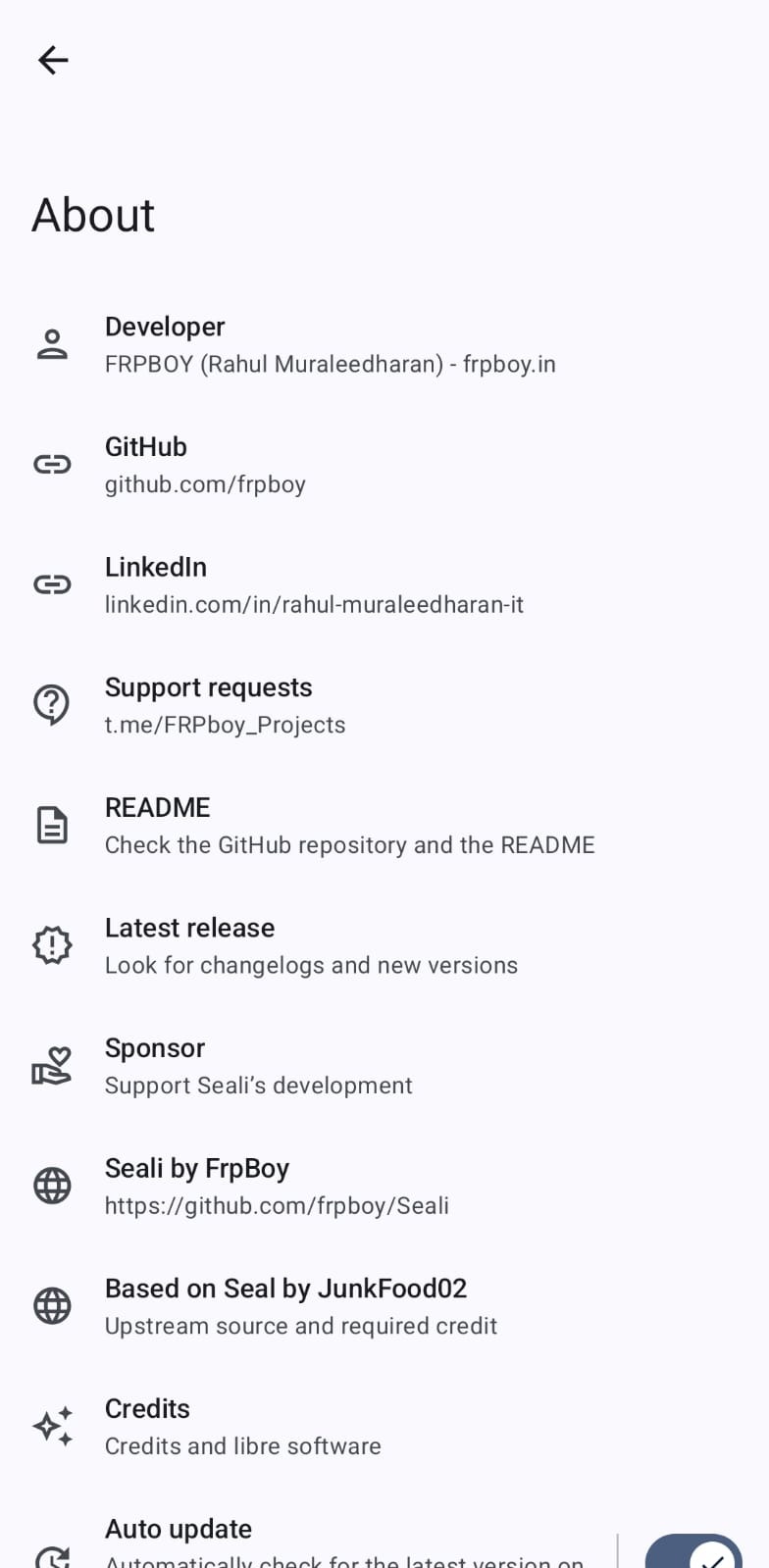
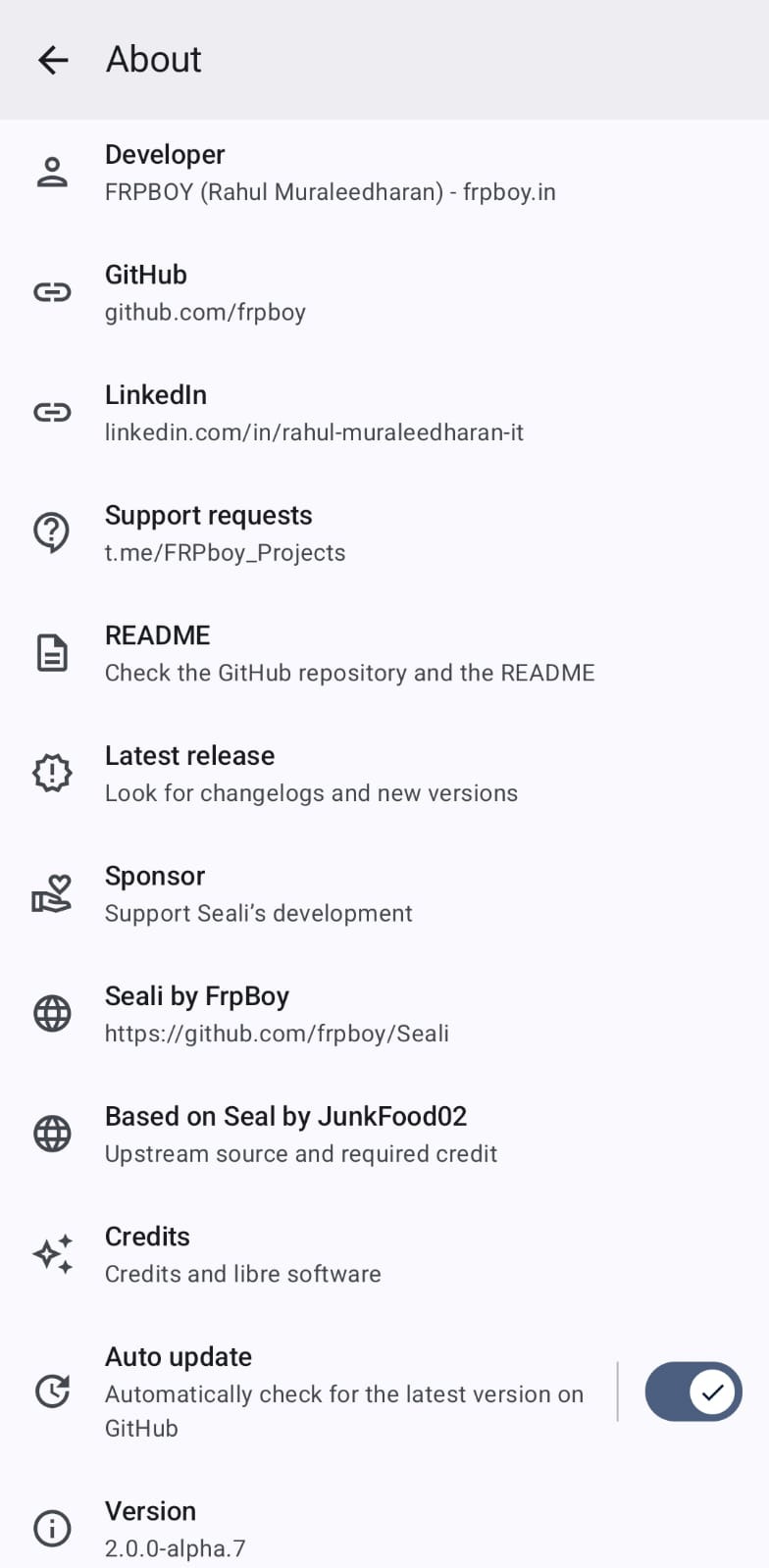
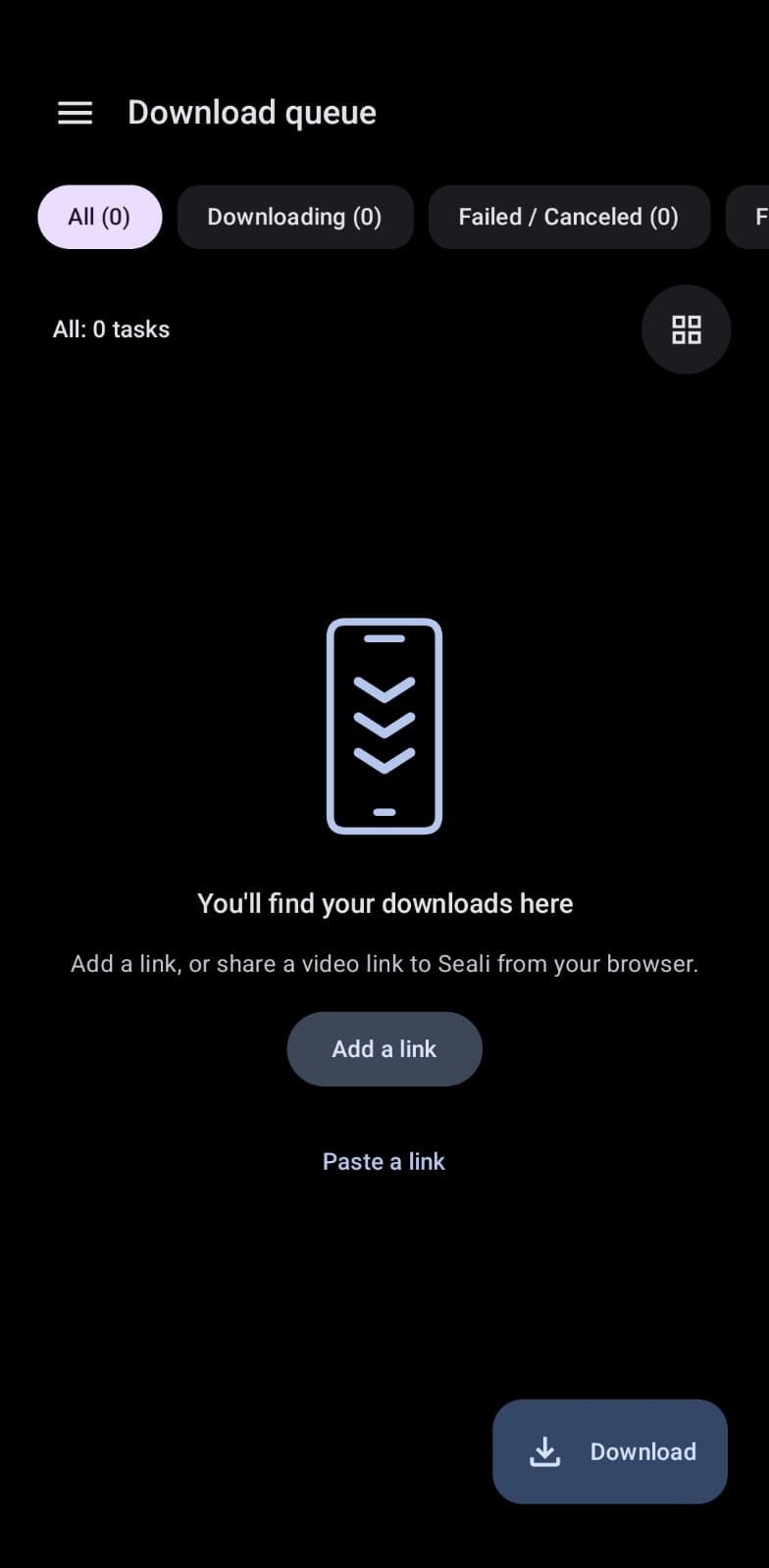
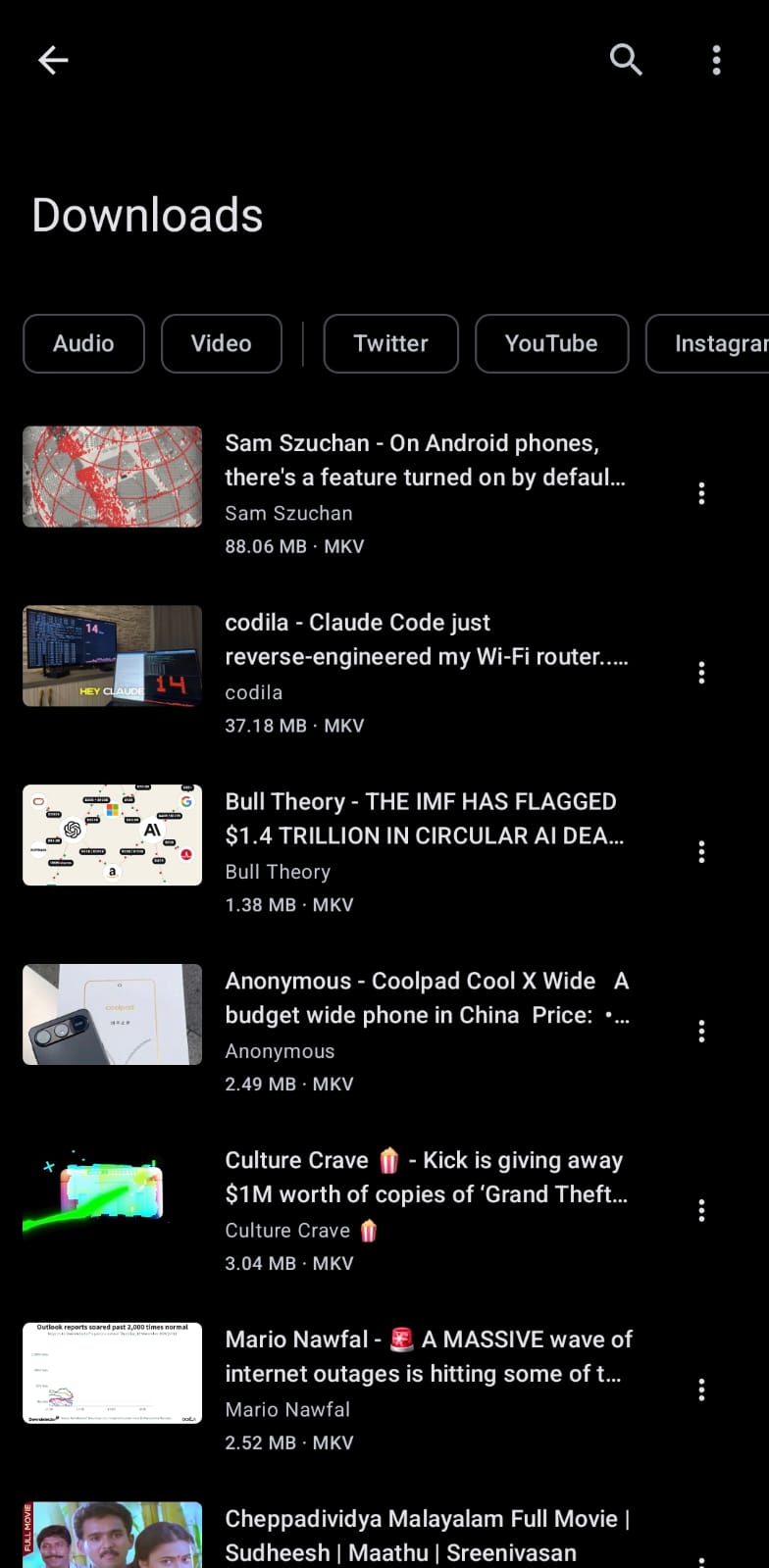
IN ACTION
Short clips of the app in action: overview, sharing a link, format options, the download queue and theming.
WHAT'S NEW IN SEALI
Seali continues an open-source downloader whose original stable line paused at v1.13.1 in October 2024. It is independently maintained and not an official upstream release. What is different here:
Seali name, icon and package (com.frpboy.seali), with its own support channels. It installs next to the original app and keeps its own data, so both can coexist; nothing migrates automatically. Shipping in the public alpha.5.
Classic-interface correctness fixes, a compact Classic header and a cleaned-up About section are merged on main. These source changes are newer than the public alpha.5 APKs and are not included in them.
An opt-in fix for leftover download-folder defaults inherited from the original app, plus contact and translation updates, are in review and not shipped. The repository's status document tracks what is published versus pending.
FAQ
Recurring questions from public Reddit and forum threads about yt-dlp downloaders on Android, answered for Seali.
Any site supported by yt-dlp, the engine underneath. The list is large and changes over time: when a site changes something on its end, downloads from it can fail until yt-dlp adapts. There is no guarantee for any specific site.
There are a few common causes: the site changed and the bundled yt-dlp engine needs an update, the content requires signing in, the site or your network is rate-limiting you, or the content simply isn't supported. Start by updating the yt-dlp engine (Settings > General > yt-dlp update) and retrying; that screen also offers stable and nightly engine channels (the public alpha.5 defaults to nightly; newer source switches the default to stable). If it still fails, report it with the link through the Telegram group or a GitHub issue.
The site wants a logged-in account for that content. In Settings > Network > Cookies, tap Generate new cookies, enter the site's URL and sign in on the page that opens; the app stores those cookies for downloads. This works when your account itself can access the content; it does not bypass limits the account has, such as incomplete age verification. Keep your account and cookies private; never post them in public groups.
You don't have to do it by hand. Seali updates the engine from inside the app (Settings > General > yt-dlp update), with a configurable auto-update interval and a choice of stable or nightly engine channels; the public alpha.5 defaults to nightly. Newer source adds a confirmation before runtime downloads and makes stable the default; that behavior is not in the public build yet. Updating the engine is separate from updating the app itself.
To the download directory configured in Settings. The app saves into its own folder on shared storage and shows the exact path on the download-directory screen; you can change it there.
Yes. Paste a playlist link and choose which items and formats to take before the download starts.
Yes. Choose an audio format on the format screen; supported metadata and thumbnails are embedded in the file.
Yes, GPL-3.0, with the full source on GitHub. Install only from the GitHub releases page linked here; third-party APK mirrors are not affiliated and can't be vouched for. It is alpha software, so expect rough edges.
Yes. Seali uses a different package identity, installs separately and keeps its own settings and downloads. App data does not migrate automatically between the two.
Command templates are part of the design, but executing custom commands is disabled in the current alpha builds while compatibility is revalidated.
DOWNLOAD & SUPPORT
Read the release notes before installing. Universal and architecture-specific APKs are available on GitHub. Seali installs separately from upstream Seal; app data does not migrate automatically.